



This InDesign tip on how to make frames the same size was sent to Tip of the Week email subscribers on October 27, 2016.

Sign up now and every week you’ll get a new tip, keyboard shortcut, and roundups of new articles, plus exclusive deals sent right to your Inbox!
Just scroll down to the bottom of this page, enter your email address, and click Go! We’ll take care of the rest. Now, on with the tip!
Ever need to make frames the same width and height? Here’s a good shortcut for doing that. Start by manually setting the width and/or height of one of the frames using the Control panel or the Transform panel.

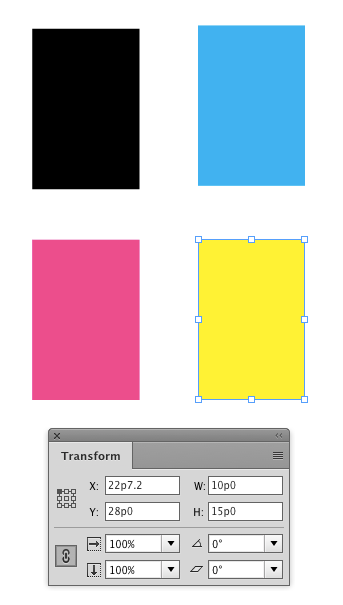
Then select another frame and choose Object > Transform Again > Transform Sequence Again.

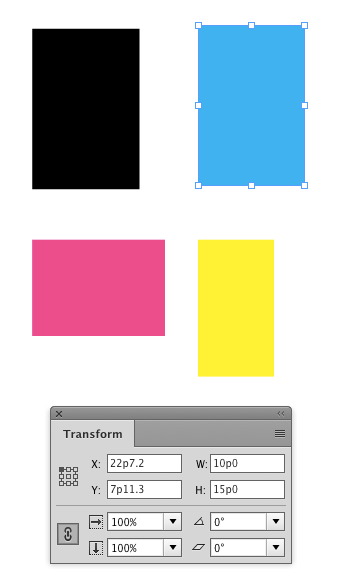
Even better, you can use the keyboard shortcut, Command+Option+4 (Mac) or Ctrl+Alt+4 (Windows).
Repeat for any other frames you want to equalize.
This article was last modified on July 25, 2019
This article was first published on November 1, 2016
Commenting is easier and faster when you're logged in!

Recommended for you


60 Minutes…
An answer to the question: How do I create dots for all the minutes on a clock f...
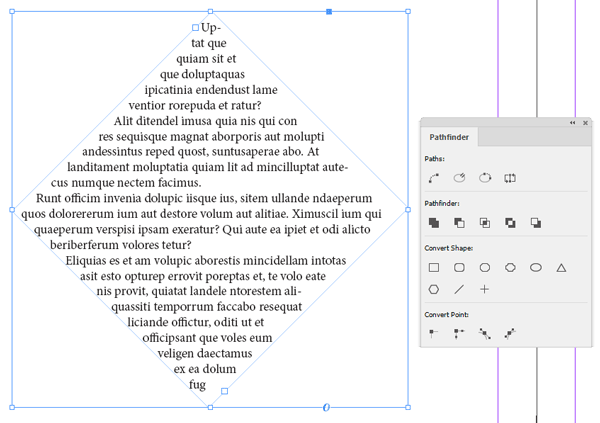
InQuestion: Making a Diamond-shaped Text Frame
Q: I’m working on a layout that requires a diamond-shaped text frame. I’ve attem...