




In this Illustrator how-to video, Khara Plicanic shows how to make a dotted line. At first glance, it’s not very intuitive, but she shows how easy it actually is to create one. Khara then points out how to finesse the distribution of the dots when using them as a frame border.
Subscribe to the CreativePro YouTube channel for more helpful design tips!
This article was last modified on August 29, 2025
This article was first published on September 24, 2024
Commenting is easier and faster when you're logged in!

Recommended for you

Working with Arrows in Photoshop
Learn the pros and cons for each method of adding arrows to a Photoshop document
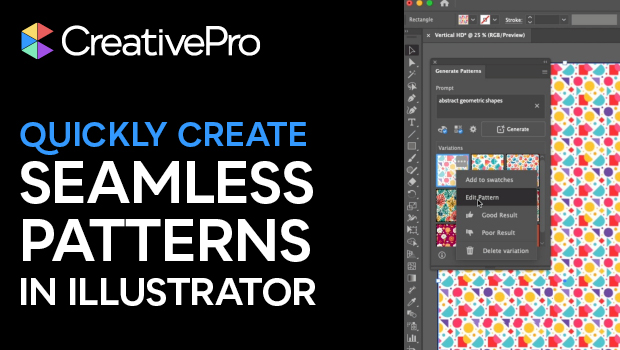
Generating Seamless—and Editable—Patterns in Illustrator
Learn how to create a seamless pattern with Illustrator’s built-in AI and then m...
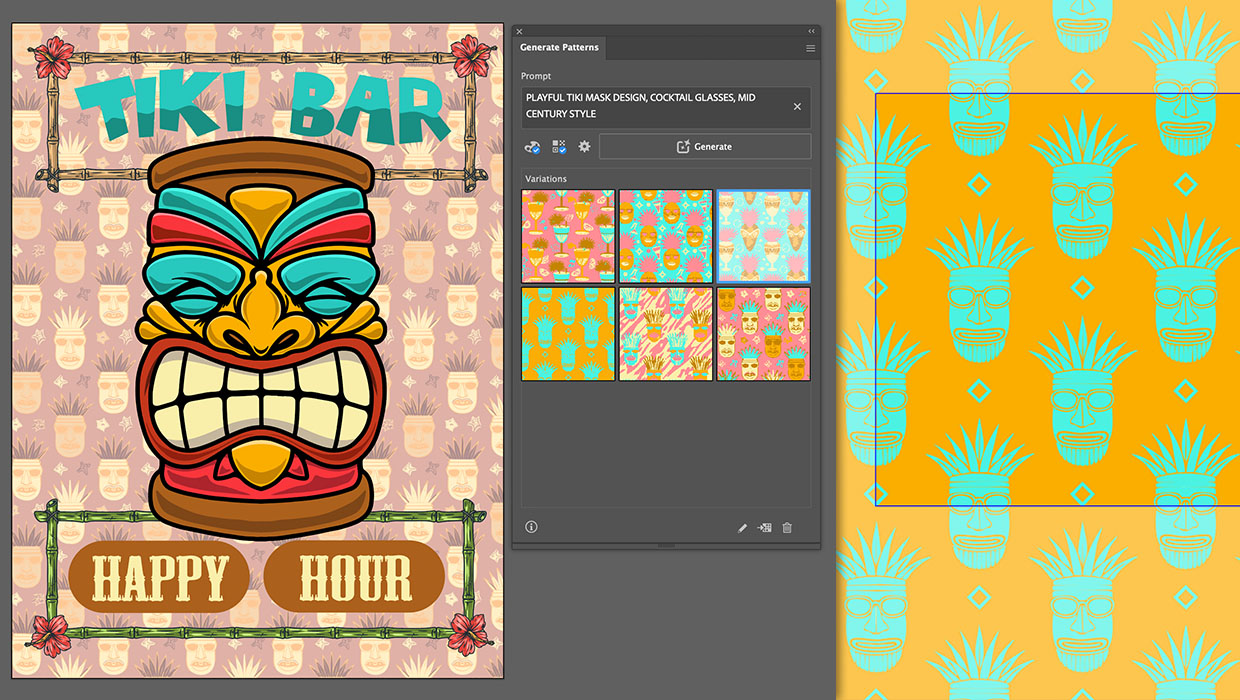
Generating Vector Patterns in Illustrator
Making patterns from prompts opens up a whole new world of creative possibilitie...