




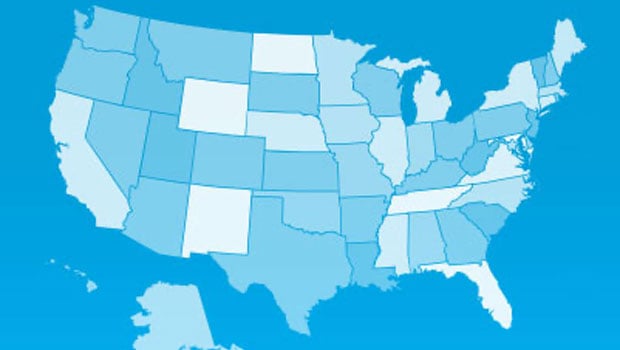
My country ’tis a font, Sweet land of ligatures, of thee I sing
No, I haven’t finally gone daffy, my country really is a font. And it’s called Stately.

Created by Ben Markowitz, a UX/UI designer based in Virginia, Stately is a font where each state is a glyph. States are positioned and sized relative to each other, so you can create a full map of the United States just by typing letters. The states are mapped alphabetically to uppercase A–Z and then lowercase a–z. For example, typing “A” gets you Alabama, “B” is Alaska,“C” is Arkansas and so on.
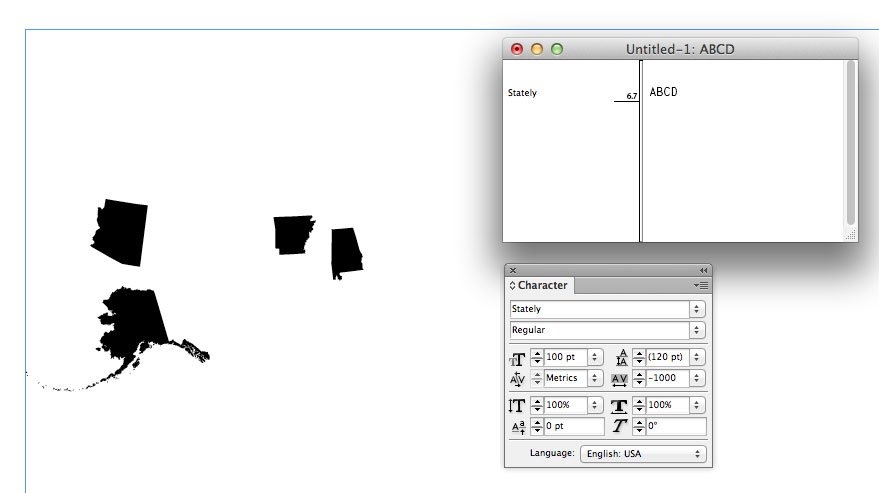
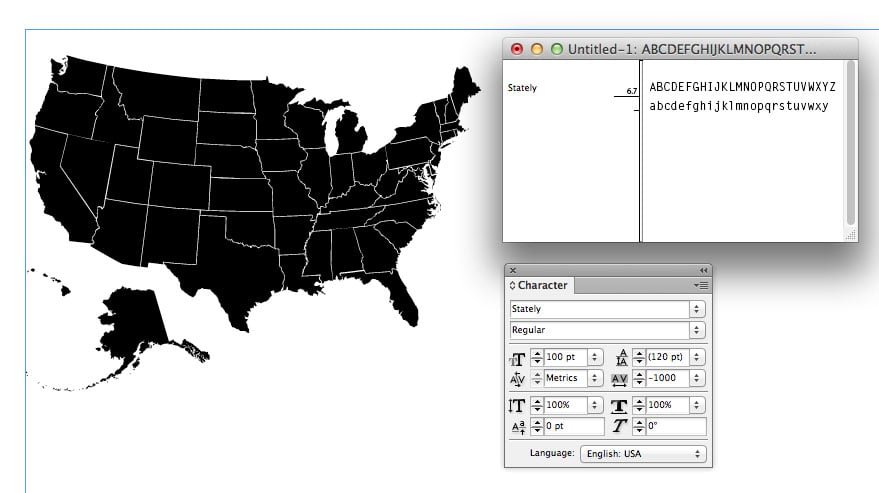
Ligatures are also used so each state’s abbreviation is also its shortcut. Thus, typing “ca” generates the glyph of California. This is yet another clever example of a font designer exploiting ligatures in a way that we’ve seen previously in Chartwell and the Symbolset fonts.
You can download Stately for free at Github.
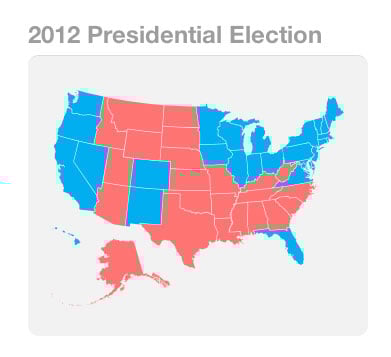
Stately is mainly intended for use on the Web, and the Read Me includes instructions for how to use CSS to set the size and base color of the map, as well as how to style individual states.
However, you can use Stately in other applications, including InDesign (as the screenshots above show). Just apply the maximum negative tracking (-1000), and the shapes of the states will be correctly positioned relative to one another.
This article was last modified on July 29, 2021
This article was first published on February 19, 2013
Commenting is easier and faster when you're logged in!

Recommended for you

Ascender Corp. Offers Microsoft Office 2008 for Mac Fonts
Ascender Corporation, a leading provider of advanced font products, today announ...
InDesign Webinars for Type Lovers and for Beginners
InDesignSecrets is proud to announce two new upcoming eSeminars: Typography Deep...

Scanning Around With Gene: Best in the West Graphics, 1970
In 1970 I was a freshman in high school. Although I wasn’t aware of graphi...