


Snippets: April 2026
Design news, inspiration, tips, and fun
This article appears in Issue 54 of CreativePro Magazine.
Snippets is a monthly roundup of resources, news items, inspiration and fun for designers. Have a cool book, show, site, game, app, resource, etc. that you’d recommend to your designer friends? Send it to ed*******@*********ro.com.
A Rising Art Form
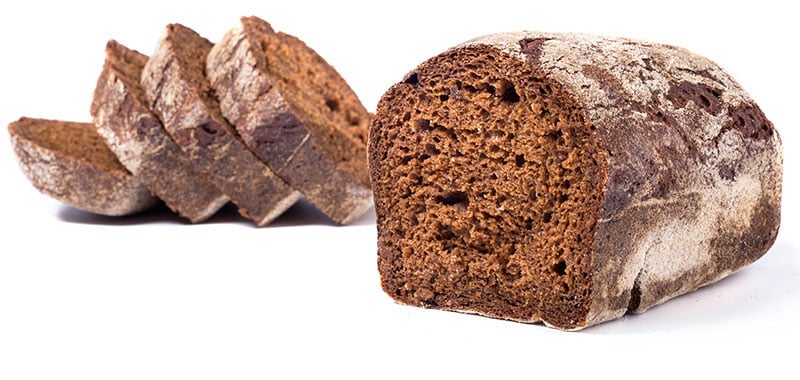
In response to the rise of generative AI, many designers are embracing a more “organic” look and feel, incorporating glitches, irregular shapes, and a hand-drawn aesthetic into their work as a sign of authenticity. And now some folks are making art from actual organisms—yeast to be specific. Talk about growing your portfolio!
Knowing Your Worth Is Pricele$$
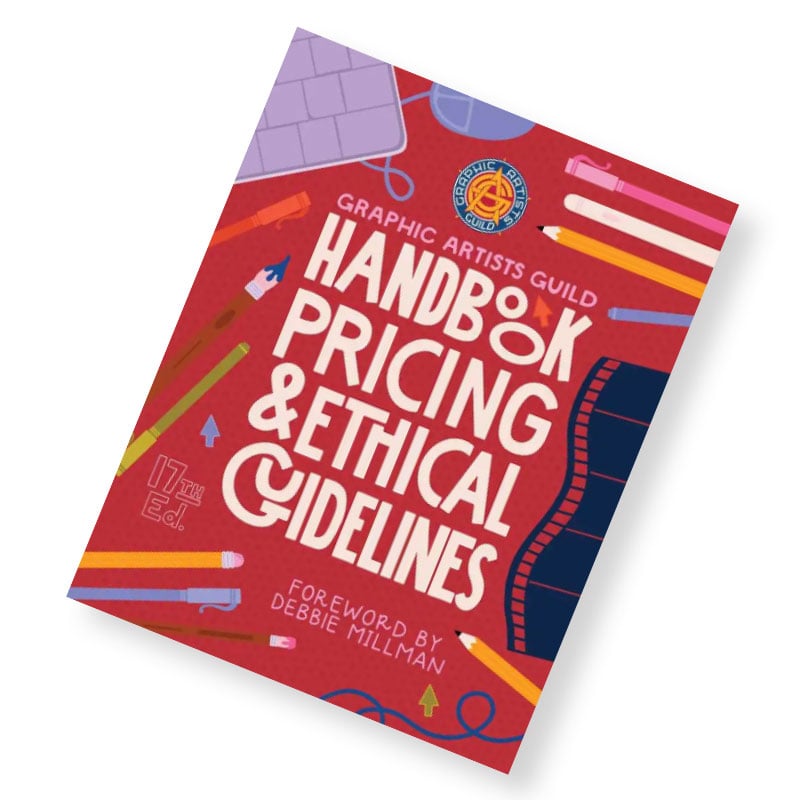
The Graphic Artists Guild has updated its Handbook of Pricing & Ethical Guidelines, and it remains an essential career resource for designers. Whether you’re a freelancer or a studio lead, this book offers the clarity and confidence needed to navigate contracts and fair market rates. It’s a solid investment in your professional peace of mind and the health of your business.
Adobe’s Color Game Is Wheely Fun
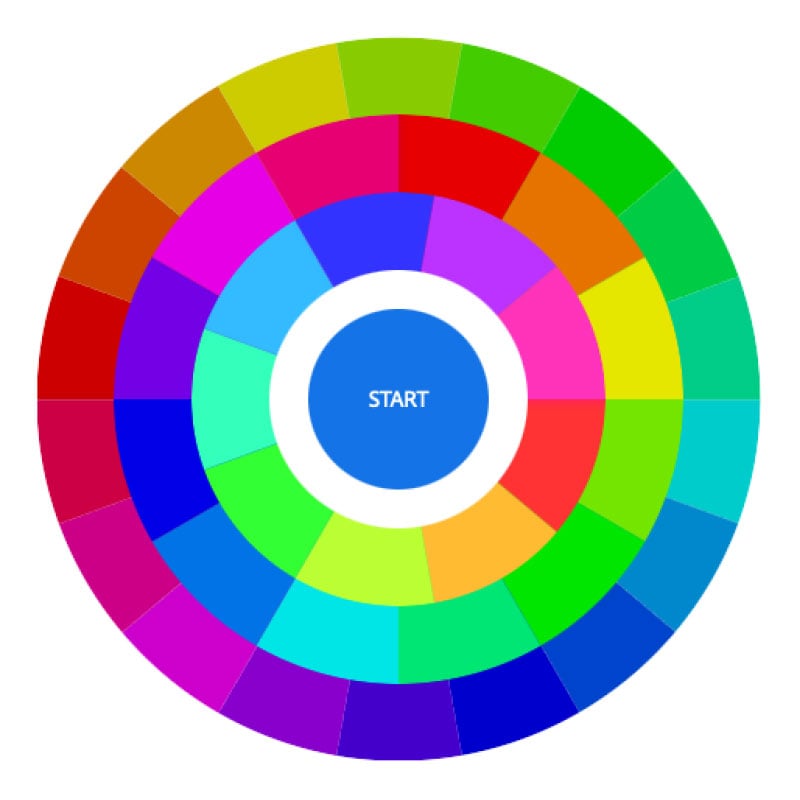
If you’re looking to sharpen your color recognition skills between deadlines, Adobe Color’s Color Wheel Game offers a delightful, design-centric break. Styled after the classic game Simon, this browser-based challenge tasks you with watching the color wheel, remembering a growing sequence of hues, and repeating it back accurately.
An Appealing Arrangement
Omata’s Arranger is a handy (and free) utility designed to take the manual labor out of aligning objects in InDesign, Illustrator, Photoshop, Figma, and Express. It goes far beyond what you can do with the built-in alignment options. With just a few clicks you can arrange objects in grids, shapes, radials, and more.
Water Works
Did you hear the news? Flat design is over. Apple’s Liquid Glass UI is bringing texture, dimension, and optical effects back to our screens. So, it’s the perfect time to revisit some effects tutorials, such as Water FX by Mike Rankin. It shows how to create convincing water and glass effects in InDesign, but you can apply the same ideas in Photoshop or Illustrator and achieve the same (or even better) results.
A Vibrant Vocabulary
It’s a good practice to name your color swatches, but building a strong color vocabulary can be like learning a new language. Is that blue cobalt or cerulean? Azure or lapis? How about that red? Burgundy or maroon? Brick or garnet? Now there’s an Al-powered color-naming solution for Illustrator. Check it out along with other useful Illustrator automation solutions at Productivista.com.
We ♥ MG
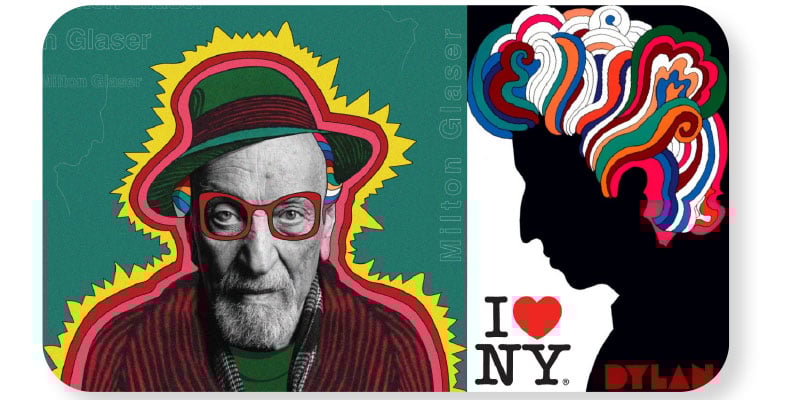
The late great Milton Glaser was one of the most important American graphic designers, responsible for the I♥NY logo, the psychedelic Bob Dylan poster, the DC Comics logo, and other iconic works. Check out miltonglaser.com to view his works, interviews, films, and essays on design thinking.
Spice Up Your Designs with Seasonal Stock
Did you know that Adobe Stock offers an ongoing curated collection of free assets tailored to holidays and changing weather? These Seasonal Stock collections will get your creative juices flowing without busting your budget.
Commenting is easier and faster when you're logged in!

Recommended for you

InQuestion: Making Colors Match Between Photoshop and InDesign
Q. My company is printing promotional brochures for an upcoming trade show. Beca...

Building Email Templates
Rise to the top of your customers’ overflowing inboxes with effective and effici...

InQuestion: Viewing Spot Colors and Blend Modes With Overprint Preview
This article appeared in Issue 112 of InDesign Magazine. Claudia McCue shows why...