




In this week’s CreativePro video, Von Glitschka shares how to size outlined text to match existing type. Combining masks, common elements, smart guides, and the alignment function, he shows how to have consistent text sizes, even if that text is no longer actual text.
New videos every Tuesday on our CreativePro YouTube channel. Be sure to subscribe so you don’t miss any!
This article was last modified on August 29, 2025
This article was first published on January 8, 2020
Commenting is easier and faster when you're logged in!

Recommended for you
How to Create Number Callouts in Illustrator
Learn how to create and quickly apply number callouts in Illustrator through the...
Illustrator’s New and Updated Artboard Features
Discover the new features and updates to Illustrator's artboards with Kat Kremse...
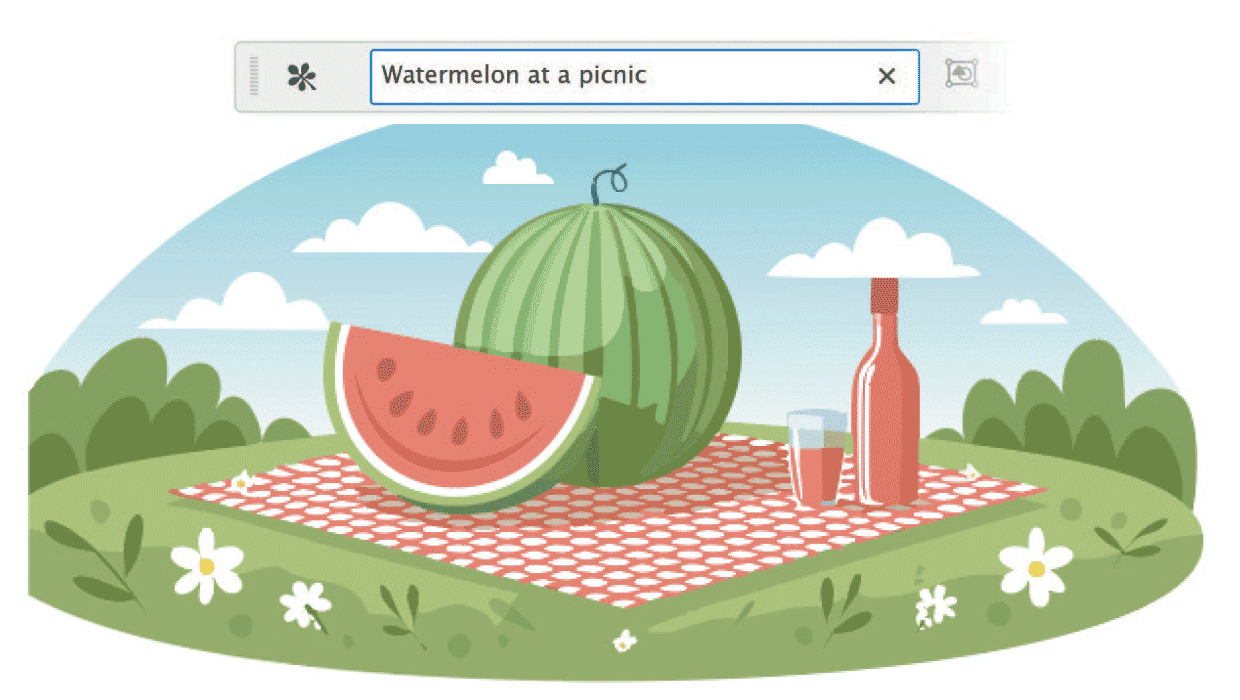
Getting Started with AI in Illustrator
Basic steps to create and modify vector content using the Generative AI features...