


Manage Images and Graphics Like a Pro

Images and graphics are essential to great layouts. In this session, you’ll learn how to manage them with confidence. We’ll cover the best ways to manage assets, choose appropriate file formats, and understand the impact of resolution on your final output. You’ll learn how to update, replace, or relink images efficiently and reliably. From logos and product shots to stock images and graphics, this session gives you the tools to keep your graphics sharp, consistent, and production-ready.
Topics include:
- File types, resolution, and color space
- Links panel and Creative Cloud Libraries
- Frame-fitting options and best layout practices
- Photoshop layers and layer comps directly within InDesign
- AI-powered Generative Expand, Text-to-Image
This article was last modified on November 4, 2025
This article was first published on July 23, 2025
Commenting is easier and faster when you're logged in!

Recommended for you
InReview: iziExport
Plug-in gives you a head start in moving content from InDesign to WordPress.
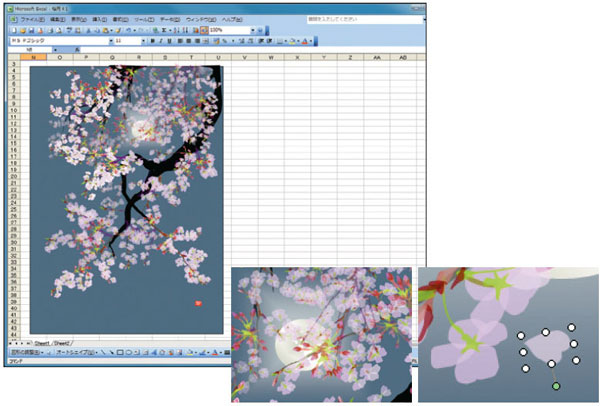
Painting with…Excel?
Probably not too many folks are familiar with the term “golden hammer,...

Tip of the Week: Targeting Table Borders and Strokes
How to target table strokes to change their formatting using the table stroke pr...