



As a presentation designer, it’s your job to turn numbers into impactful stories. And the charts you choose will shape how your audience understands patterns, comparisons, and relationships in your data. In this session, you’ll learn how to match different data sets with the most effective visual formats—whether you’re showing trends, parts of a whole, distributions, or something else entirely. Through a rich collection of real-world examples, you’ll see how the right chart choice transforms raw numbers into visuals that spark clarity and connection. You’ll leave with a clear process for making confident, effective chart decisions that bring your data to life.
You’ll learn how to:
- Identify the best chart types for comparisons, trends, distributions, and more
- Match your data set with the chart style that communicates it most clearly
- Apply design tweaks that enhance, not distract from, the data
- See how small shifts in chart choice can completely change audience impact
- Build confidence in choosing visuals that tell the right story every time
This article was last modified on October 22, 2025
This article was first published on October 22, 2025
Commenting is easier and faster when you're logged in!

Recommended for you

How to Search Using Adobe Bridge
Khara Plicanic uses Bridge to search across multiple documents in a smarter way,...
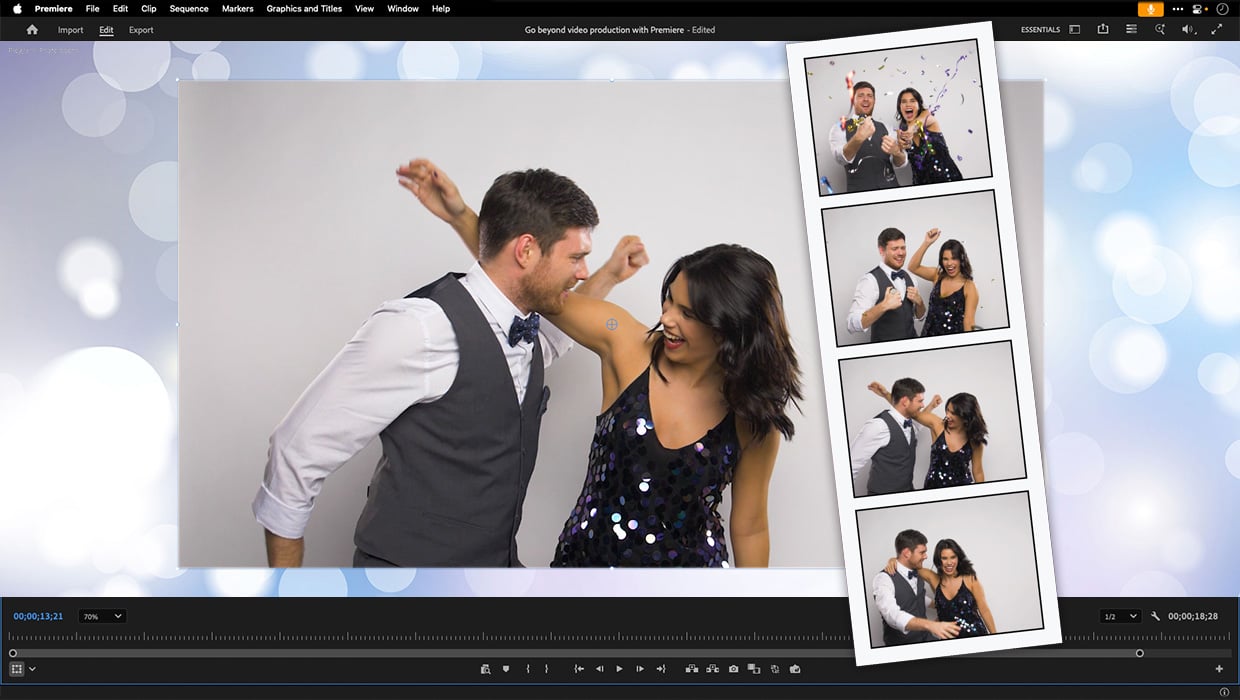
Premiere: It’s Not Just For Video
Designers using InDesign and Photoshop can look at Premiere as a surprising reso...

A Workaround to Make Objects Bleed for Print Jobs With Object Styles
How to use object styles to position objects to bleed for print design projects...