



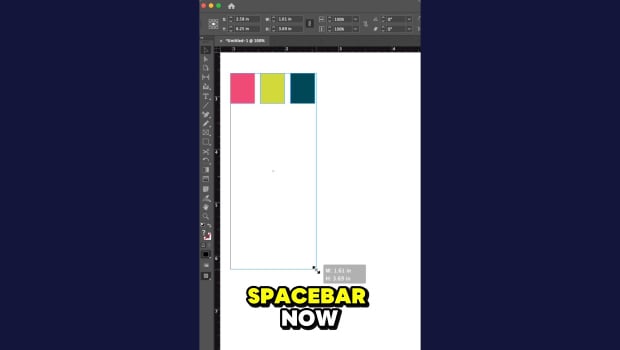
In this short InDesign how-to video, Khara Plicanic shows how easy it is to distribute the spacing between objects. Just select your objects and drag, then add in the spacebar to dial in the perfect spacing.
Subscribe to the CreativePro YouTube channel for more helpful design tips!
This article was last modified on May 4, 2026
This article was first published on May 4, 2026
Commenting is easier and faster when you're logged in!

Recommended for you

Align To Key Object
How to align objects to a "key object" -- the clunky pre-CS6 way and the elegant...
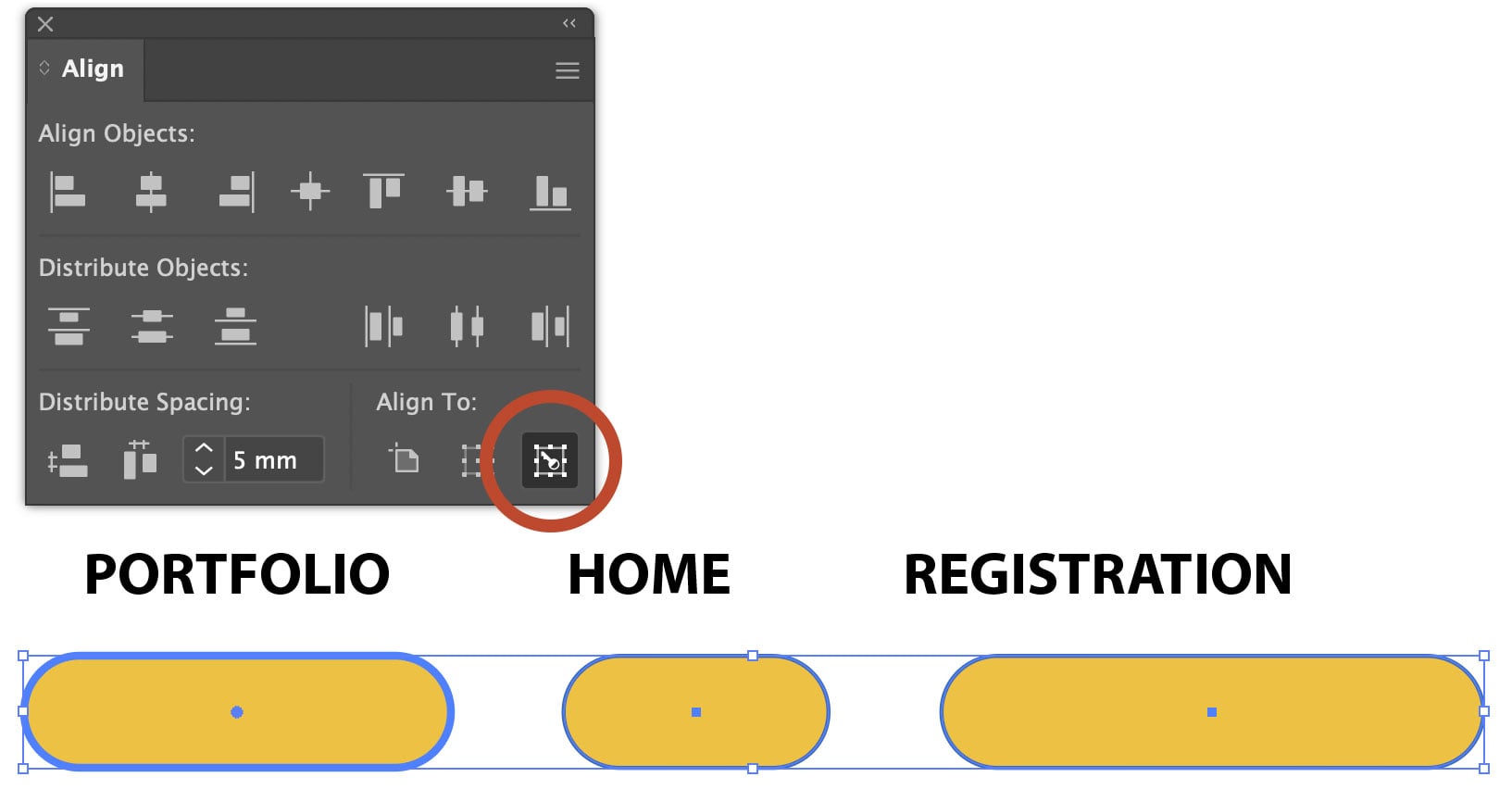
Using Align to Key Object in Illustrator
The Align panel in Adobe Illustrator is a quick and easy way to align or distrib...
Setting Exact Space Between Objects in InDesign
Learn two methods to use when you need a precise amount of space between items i...