



This article was last modified on August 11, 2016
This article was first published on
Commenting is easier and faster when you're logged in!

Recommended for you

Holiday Gifts for Creative Pros, Part 2
As promised, here is Part 2 of the 2017 CreativePro Gift Guide in all its creati...
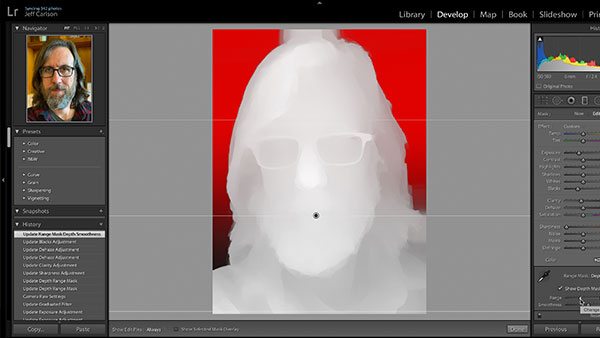
What’s New with Lightroom Classic CC 8.0
The venerable Lightroom application got a bit roughed up last year. For several...

The Measure of Type
Agates. Ciceros. Nuts. Even people who use type every day may not know these wei...