



This article was last modified on May 11, 2016
This article was first published on
Commenting is easier and faster when you're logged in!
Loading comments...

Recommended for you

Article
Scanning Around With Gene: When Business Cards Were Big
Occasionally, a garage sale find, thrift-shop discovery, or gifts from friends a...
Article
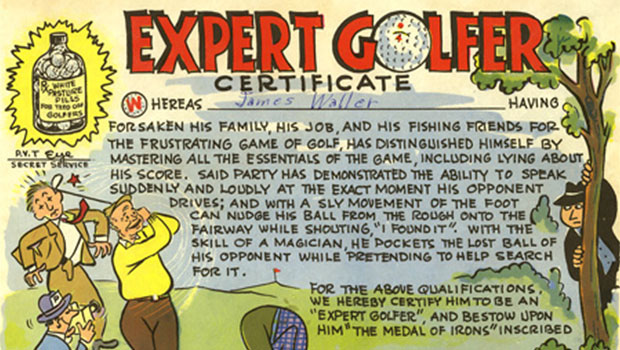
Scanning Around With Gene: Certifiable
Someone recently sent me a link to a Web site that produces "novelty" diplomas,...

Article
How to Customize InDesign’s Preferences, Panels, and More
Learn how to customize InDesign preferences, panels, defaults, and workspaces to...