



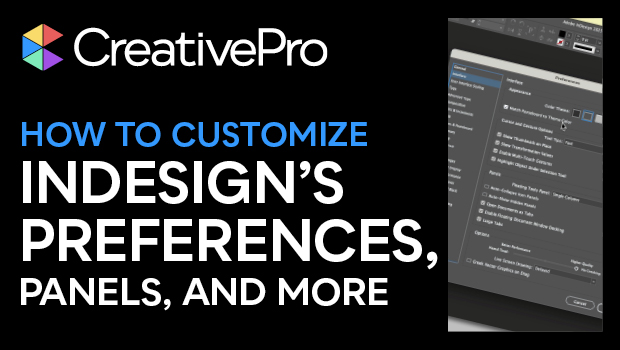
In this InDesign how-to video, Khara Plicanic shows how to customize InDesign preferences, panels, and tackle pet peeves. From new document settings to creating custom workspaces to setting default colors and fonts, she walks you through setting up the InDesign environment in a way that best suits your workflow.
Subscribe to the CreativePro YouTube channel for more helpful design tips!
This article was last modified on August 29, 2025
This article was first published on March 4, 2025
Commenting is easier and faster when you're logged in!

Recommended for you
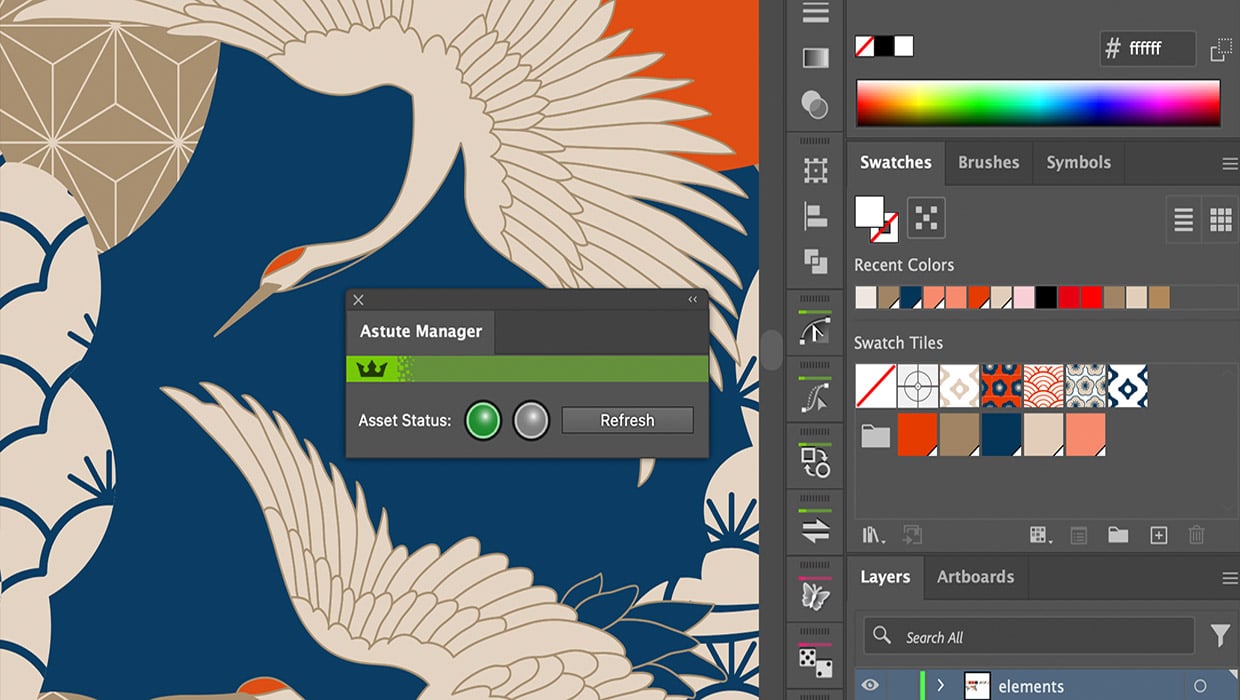
Review: Astute Manager Pro
This new service makes it easy to back up, restore, and sync your Illustrator se...
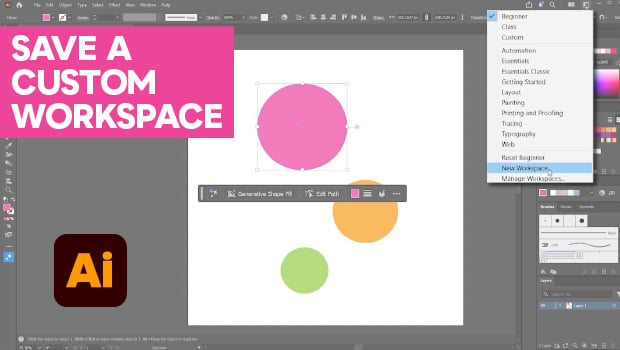
How to Make Illustrator More User Friendly
Set up your own custom workspace with Kat Kremser.
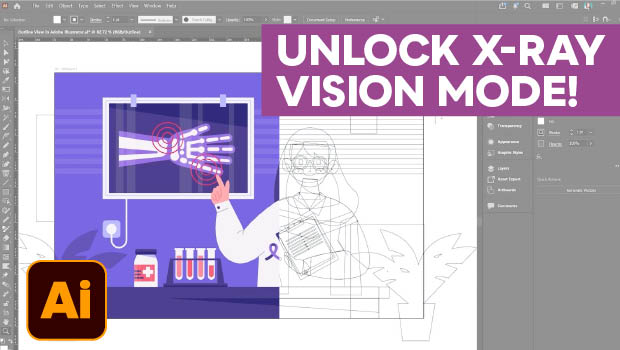
Troubleshoot Illustrator Files with Outline View
Use Illustrator's "X-ray vision" to troubleshoot your vector artwork with Kat Kr...