




This article was last modified on May 26, 2024
This article was first published on
Commenting is easier and faster when you're logged in!
Loading comments...

Recommended for you
Article
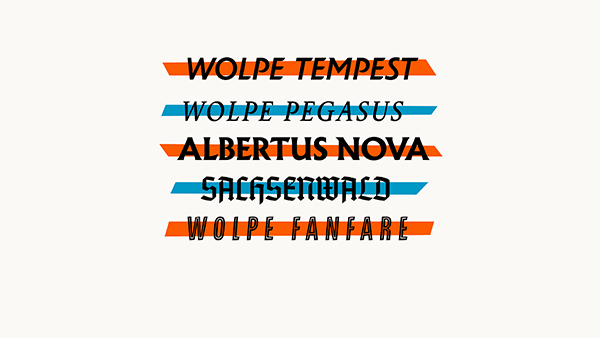
A Revival of Typefaces for Book Design from Berthold Wolpe
Berthold Wolpe (1905-1989) was a giant among type and book designers. By all rep...

Article
Celebrating 30 Years of Photoshop
Looking back, it's easy to see that the year 1990 was a turning point in history...

Article
The Debate Presses On: Offset vs Digital
As the new millennium continues to dawn, digital printing is no longer a "techno...