




This InDesign tip was sent to Tip of the Week email subscribers on February 14, 2019.

Sign up now and every week you’ll get a new tip, keyboard shortcut, and roundups of new articles, plus exclusive deals sent right to your Inbox!
Just scroll down to the bottom of this page, enter your email address, and click Go! We’ll take care of the rest. Now, on with the tip!
Need to make a change in the attributes of a paragraph or character style? One easy way is to right-click on the style name in either the Paragraph Styles or Character Styles panel and choose Edit from the contextual menu. But there’s an even faster way. Just make the change you want to some text where the style has been applied in your document. Then to redefine the paragraph style (to incorporate the change you just made), press Command+Shift+Option+R/Ctrl+Shift+Alt+R.
Likewise, to quickly redefine a character style, select text where a style has been applied, make the desired change to the text, then press Command+Shift+Option+C/Ctrl+Shift+Alt+C.
This article was last modified on July 25, 2019
This article was first published on February 18, 2019
Commenting is easier and faster when you're logged in!

Recommended for you
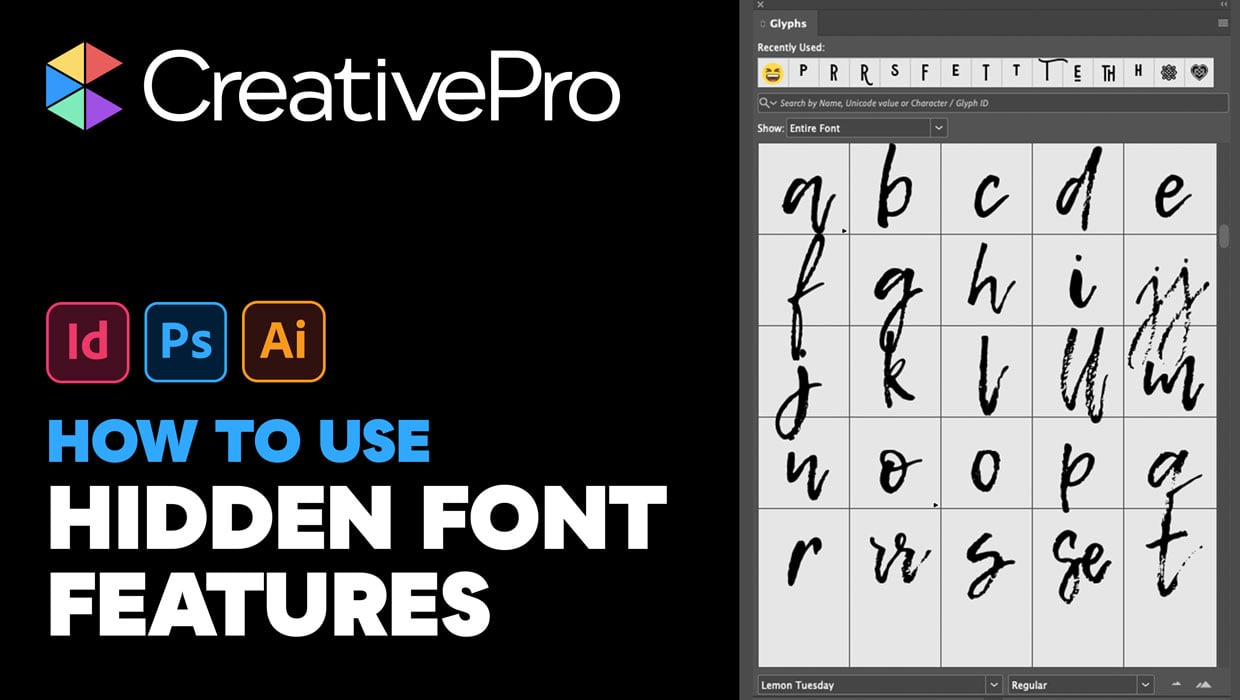
Livestream Video: Hidden Font Features You Didn’t Know Existed
Join Khara Plicanic to learn some great tips and tricks for working with layers...
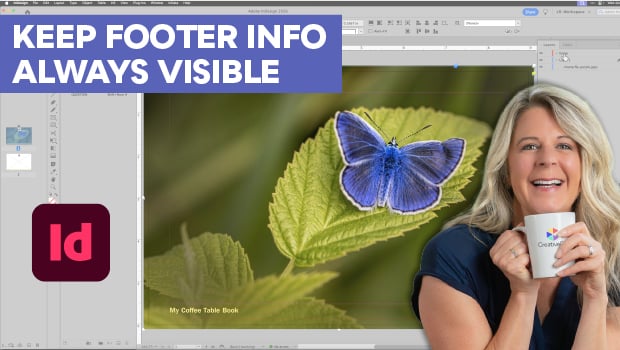
Keep Footer Info Always Visible in InDesign
Keep your full-page photographs from blocking headers and footers in InDesign wi...

Livestream Video: How to Use Masking in Photoshop
Watch Khara Plicanic show some great tips and tricks for working with masks in P...