




In this week’s CreativePro video, Colin Smith demos a couple of quick tips for compositing images in Photoshop. Using masks, gradients, and blending effects, he shows how easy it is to blend images. This clip comes from Colin’s “Five Delicious Photoshop Recipes” session at CreativePro Week 2019.
New videos every other Tuesday on our CreativePro YouTube channel. Be sure to subscribe so you don’t miss any!
This article was last modified on August 29, 2025
This article was first published on May 12, 2020
Commenting is easier and faster when you're logged in!

Recommended for you
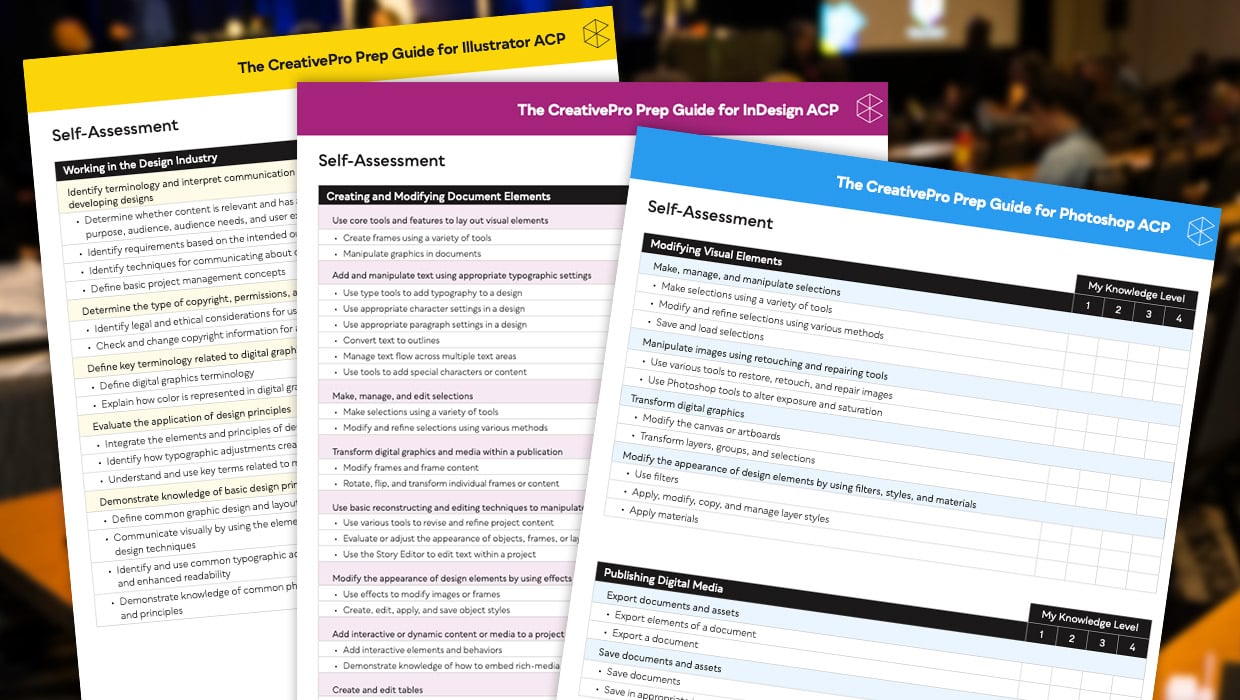
Adobe Certified Professional Exam Prep Guides
Use these self-assessment guides to determine what you should study to pass the...

Interview with Rob de Winter, AI Trailblazer and Educator
Q&A with Rob de Winter, who is presenting at The Design + AI Summit 2025

The Designer’s Guide to AI and Copyright
AI is the new normal, but do you know the laws to keep you and your work protect...