


InDesign Template Essentials: Anchored Objects
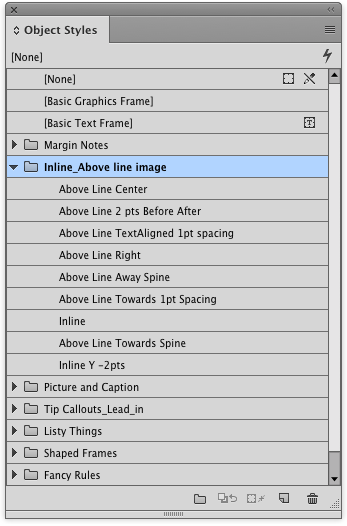
The big set of anchored object includes things like margin notes, tip boxes, inline images and captions, fancy list numbering and rules that you can’t make with InDesign’s paragraph rules...
Templates are an exclusive benefit for CreativePro members! (Not a member yet? Join us and get $10 off with the discount code: TEMPLATE)
This template features a big batch of anchored objects for you!
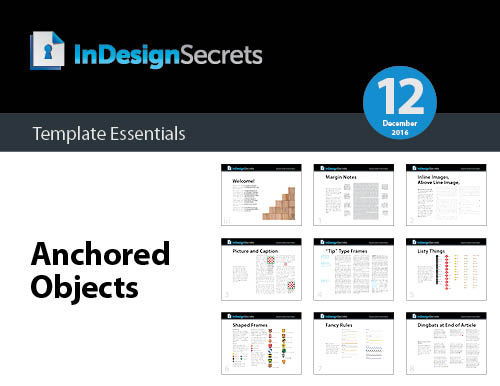
The set includes things like margin notes, tip boxes, inline images and captions, fancy list numbering and rules that you can’t make with InDesign’s paragraph rules feature—and more!
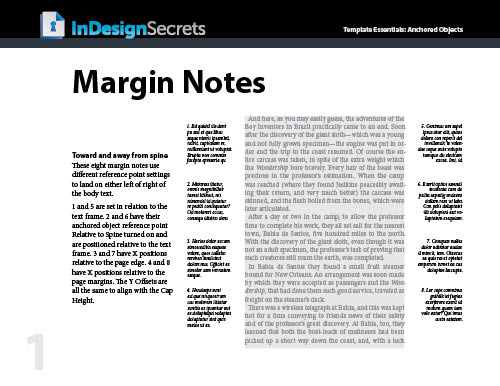
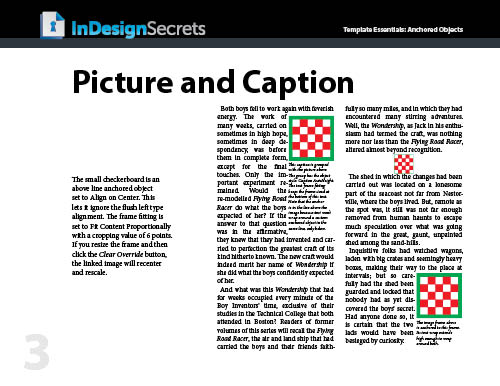
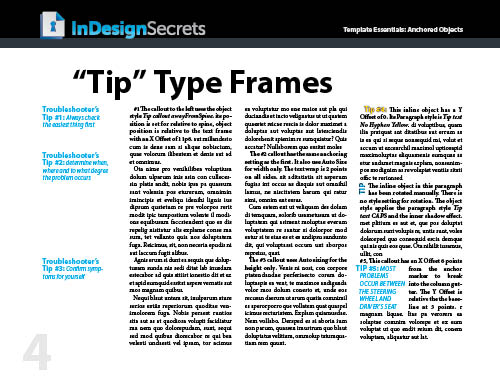
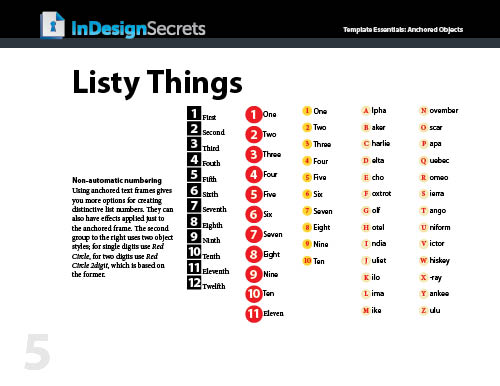
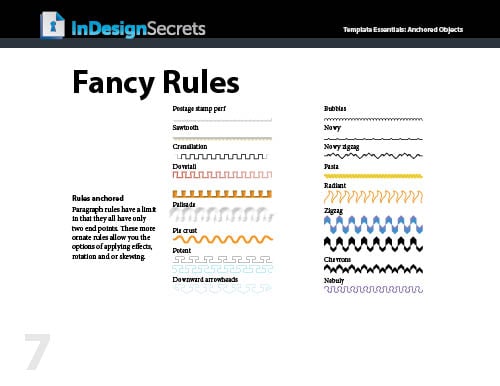
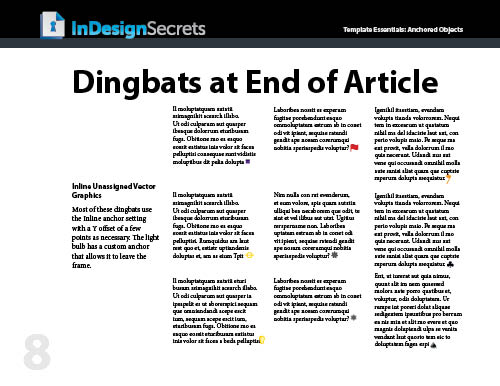
Everything is formatted with text and object styles, so you can copy and paste the objects into your documents and adjust the settings to your liking, link to your own graphics, edit the text, etc. Or just use them as inspirational examples to develop your own custom anchored objects.
Commenting is easier and faster when you're logged in!

Recommended for you

Scanning Around With Gene: Colorful Produce Crate Labels
When railroads became a dominant form of transportation, and especially after th...

Creating Dropwords with InDesign
One of the top wishlist items for InDesign has long been “drop words,” which is...
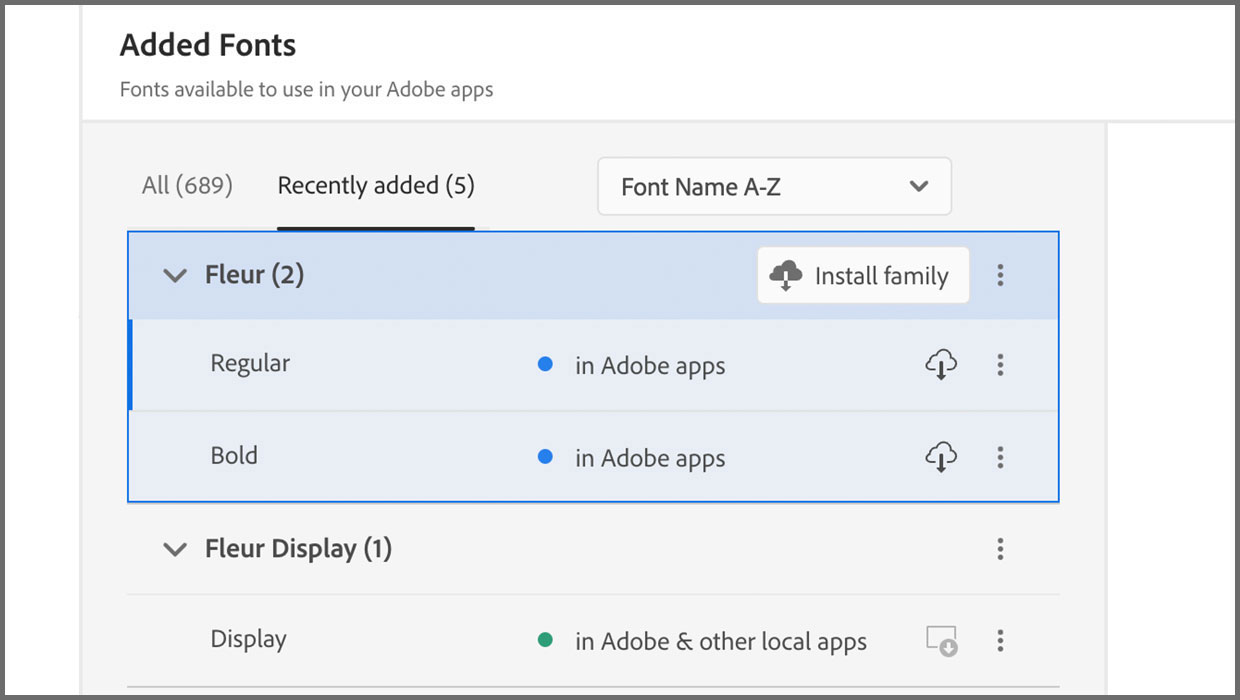
Added Fonts: The Confusing New Change in Adobe Fonts
Learn about Added Fonts in Creative Cloud, which can only be used in Adobe apps...