




Before you send a file to a printer, client, or digital platform, how confident are you that nothing bad slipped by? In this session, you’ll learn how to build a repeatable preflight process using both InDesign and Acrobat, and save yourself from embarrassing or expensive mistakes.
Explore what InDesign can identify while you work, what still needs to be checked after export, and how Acrobat adds an essential second layer of inspection. By the end, you will know how to create custom preflight profiles for your workflow, so you can automate quality control and ensure consistent output.
You’ll learn how to:
- Discover why a custom preflight profile is like having a new best friend
- Create InDesign preflight profiles for print, PDF, and digital workflows
- Identify and fix document errors
- Use Acrobat to catch problems that remain after export
- Build a repeatable preflight process for more reliable output
This article was last modified on August 6, 2026
This article was first published on August 6, 2026
Commenting is easier and faster when you're logged in!

Recommended for you

Inside the Adobe Admin Console
Knowing how your IT department controls Creative Cloud apps and services can hel...

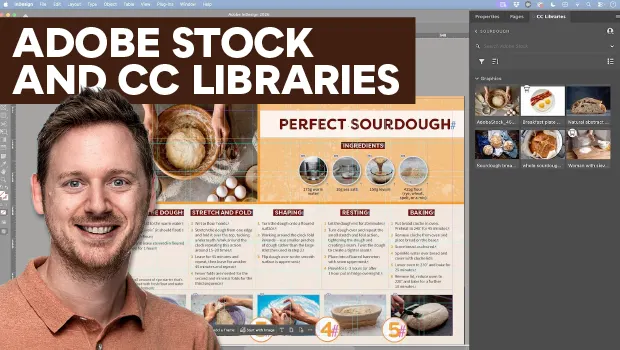
Find Adobe Stock Assets Without Leaving InDesign
Find Adobe Stock assets without ever leaving InDesign!