




In this week’s InDesignSecrets video, Erica Gamet shows how to quickly arrange multiple copies of a layout on one page by using InDesign files as placed graphics, a great technique for making business cards, postcards, and more.
Check out new tutorials every other Tuesday on our InDesign Secrets YouTube channel, then join the discussion on our Facebook group!
This article was last modified on August 29, 2025
This article was first published on May 6, 2020
Commenting is easier and faster when you're logged in!

Recommended for you
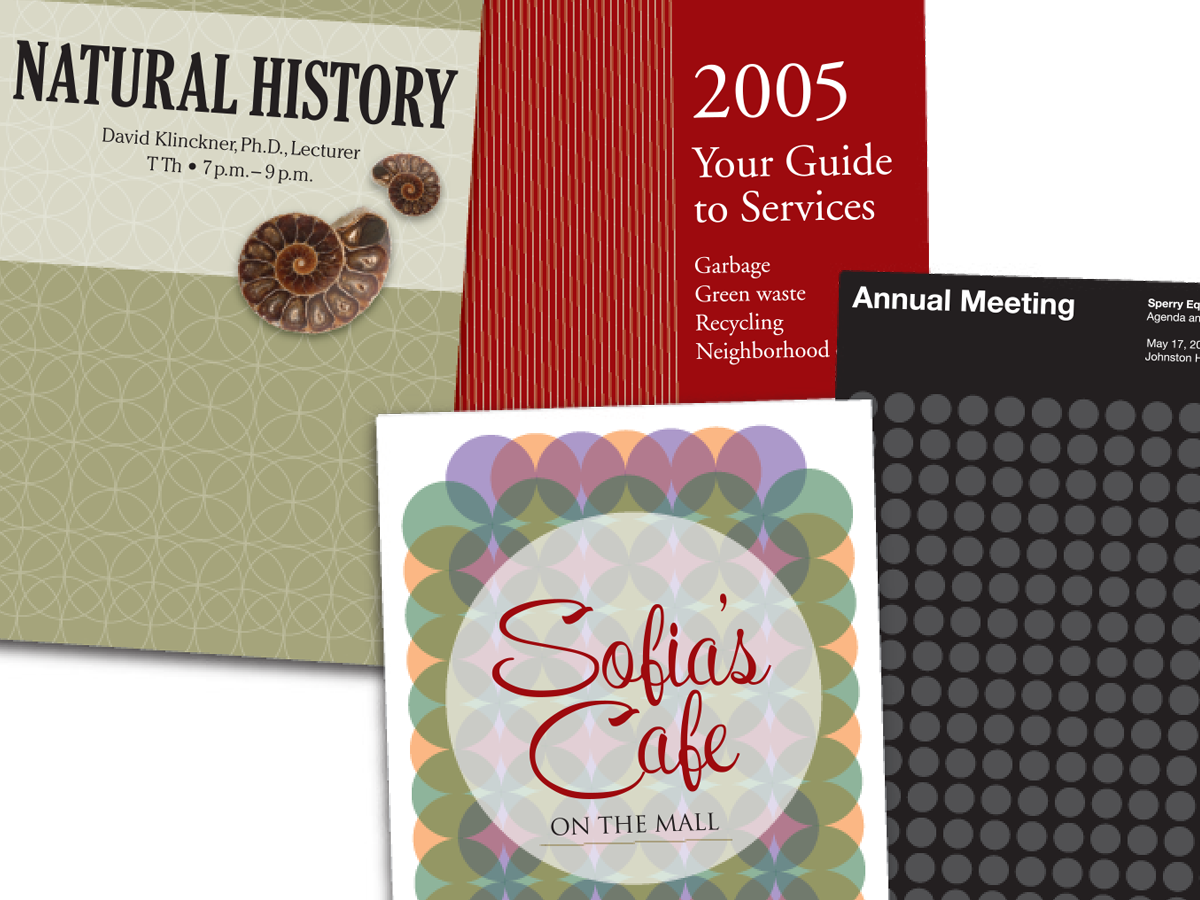
Before&After: Easy Cover Patterns
Using this step-and-repeat technique, you can make artistic covers in no time!

How to Control Stacking Order with Step and Repeat in InDesign
Frustrated by the stacking order of objects being the opposite of what you want?...
Place Multiple Pages of a PDF In a Grid in InDesign
You want to create a contact sheet of pages in a PDF, INDD, or AI file? It's fas...