



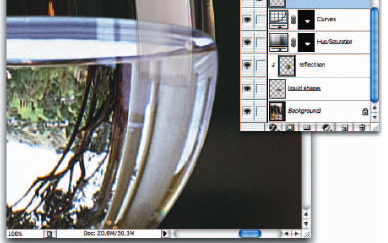
What is retouching, anyway? Smoothing over a scratch in a negative or getting rid of red-eye reflection are obvious examples of retouching. But it’s also adding elements that were never there to begin with or eliminating those that are distracting to the scene. While some aspects of retouching may be considered ethically questionable, others are essential to the photographer’s art.
In the olden days, retouching was done by hand by dedicated craftsmen. Now thanks to Photoshop, everyone can be a photo-retoucher. Some might even say that it’s mandatory to know the basics of retouching.
And there is perhaps no one better to explain the nuances of photo-retouching than Bert Monroy, Photoshop artist extraordinaire.
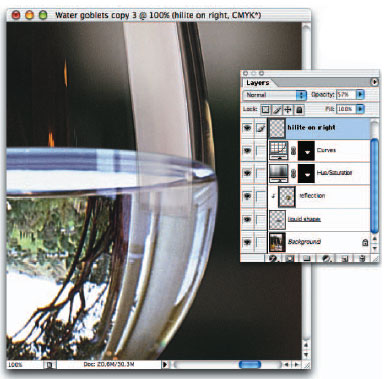
In this excerpt from “Commercial Photoshop with Bert Monroy,” Bert shows you how — and why — he retouches images. We’ve divided this important and illuminating chapter into two parts: Part 1 covers repositioning elements, adding content, cleaning up highlights, and eliminating items while enhancing others. Part 2 addresses adding shadows, color, motion and other ways to change the mood of a scene.
We’ve posted this excerpt as a PDF file. Click the link “Retouching, Part 1” to open the PDF file in your Web browser. You can also download the PDF to your machine for later viewing.
To open the PDF, you’ll need a full version of Adobe Acrobat (5 or higher) or the Adobe Reader, which you can download at www.adobe.com/products/acrobat/readstep2.html.
To learn how to configure your browser for viewing PDF files, see the Adobe Reader tech support page.
Excerpted from “Commercial Photoshop with Bert Monroy” © 2004 New Riders Publishing. Reproduced by permission of Pearson Education, Inc. Publishing as New Riders. ALL RIGHTS RESERVED.
This article was last modified on January 3, 2023
This article was first published on September 22, 2004
Commenting is easier and faster when you're logged in!

Recommended for you

Intelligently Resize Images with iResizer
Content Aware Scale, which allows you to resize photos disproportionally without...
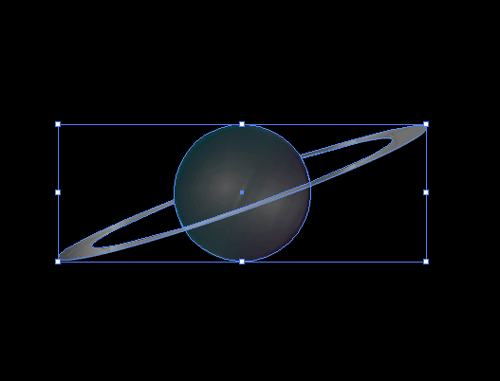
CreativePro Tip of the Week: Resetting the Bounding Box of Objects in Illustrator
This CreativePro Tip of the Week on resetting the bounding box in Illustrator wa...

Creating a Postcard in Photoshop
The Project: to make a fun postcard image from a beach vacation in the iconic...