


Photoshop How-To: Pour a Stream of Colors Across an Image


In this 10-minute video tutorial, I’ll show you how to go from an empty canvas in Photoshop to an explosive color swath you can use in print or on the Web for all kinds of projects.
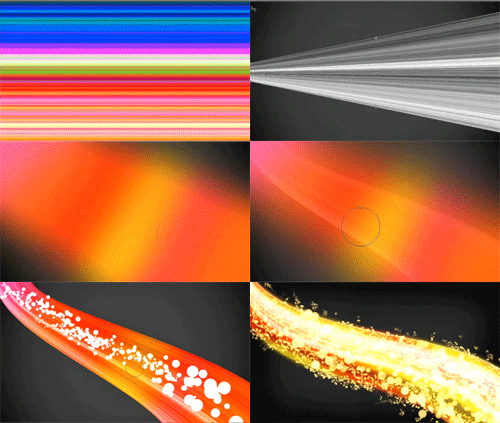
I’ll talk about some tricks using filters and blend modes, brushes, warping, and even how to get a cool smooth color overlay effect. While I go through the steps quickly, you can pause the video at any time.
Click the screenshot below to watch the video in a separate window:

This article was last modified on January 6, 2023
This article was first published on February 10, 2011
Commenting is easier and faster when you're logged in!

Recommended for you

Using Photoshop’s Generative Fill to Remove Objects
Learn how to simply remove items from an image in Photoshop, without extra conte...

How to Adjust Colors in Photoshop Using Hue and Saturation
Learn how to manipulate an image’s colors using Photoshop’s Hue and Saturation s...

How to Adjust Colors Using Photoshop’s Contextual Task Bar
Learn how to use the Photoshop Adjust Colors feature to make quick, non-destruct...