



Press Release
Getty Images, Inc., has released its LiveComp plug-in for Adobe Photoshop that enables designers and creatives to search and import creative content from Getty Images directly into Photoshop.
Rather than having to leave the application, locate and download an image from the Getty Images site and then upload into Photoshop, LiveComp lets you import the file for comping purposes as a new layer in Photoshop for streamlined simplified workflow.
Other features of LiveComp include:
* Ideal for quick-comping needs
* Search Getty Images’ entire creative collection within Photoshop
* Imports straight into Photoshop as a new layer for comping purposes
* New image layer automatically includes an image number allowing users to track assets to secure licenses on gettyimages.com
* Works with both Mac and PC
Getty Images designed LiveComp following customer research, where nearly half of those surveyed stated that they currently license large volumes of stock imagery and online digital content up to 50 times a year. The plug-in’s innovative technology and functionality enabled Getty Images to devise a mechanism that simplifies workflow and enhances how customers are currently accessing and utilizing imagery.
LiveComp was developed by Getty Images to increase the ease of workflow for designers and creatives and presents the Company’s award-winning imagery in an intuitive and engaging interface. With a huge selection of high-quality images, Getty Images is extremely popular with professional designers who will appreciate the streamed lined process and the legal protection synonymous with Getty Images.
LiveComp is compatible with Adobe Photoshop version CS4.
Download LiveComp here.
This article was last modified on January 18, 2023
This article was first published on September 23, 2010
Commenting is easier and faster when you're logged in!

Recommended for you
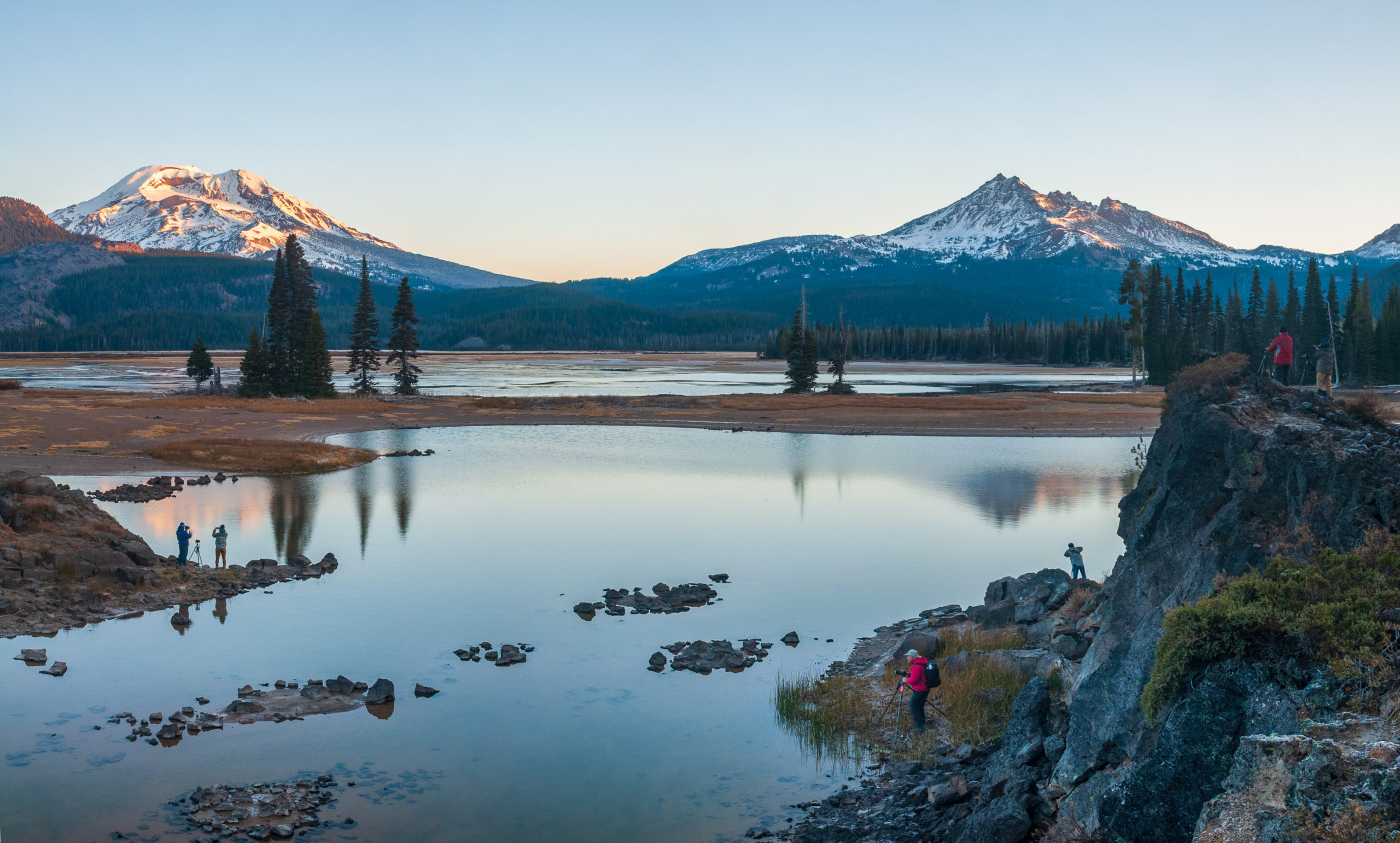
How to Create Panoramas in Lightroom
As with a lot of things in digital photography, creating panoramas was once more...

Sharpen Focus with Photoshop’s Auto-Blend Layers
This tutorial is courtesy of the Russell Brown Show. There are times when low li...

CreativePro Tip of the Week: Matching Zoom and Location in Photoshop
This CreativePro Tip of the Week on matching zoom and location in Photoshop was...