




Straight from the National Association of Photoshop Professionals (NAPP), comes “Photoshop Killer Tips, an exciting new daily video Podcast featuring Photoshop® Guru Matt Klowkowski, one of the co-hosts of the top-rated weekly Adobe® Photoshop show “Photoshop TV” (https://www.photoshoptv.com).
This new video Podcast is short and sweet, with each daily segment only one to two minutes in length, but each episode is packed with nothing but the coolest Photoshop tips, tricks, timesaving shortcuts, and easy-to-follow step-by-step tutorials. Subscribe (for free) to Photoshop Killer Tips at https://www.photoshopkillertips.com . (New episodes are posted each weekday.)
Matt Kloskowski is the education and curriculum developer for the National Association of Photoshop Professionals. He has authored or co-authored 3 books on Photoshop and Illustrator, and teaches an advanced Photoshop course for Sessions.edu. In addition to being an Adobe Certified Expert in Photoshop, Matt is a regular contributor to Photoshop User magazine and writes weekly columns for several digital imaging websites.
About NAPP
The National Association of Photoshop Professionals (NAPP) is an accredited, dynamic trade association and the world’s leading resource for Adobe® Photoshop® training, news, and education. An award-winning team of Photoshop experts, authors, consultants, and trainers lead the association keeping its members on the cutting edge of Adobe Photoshop techniques and technology. With more than 47,000 members in 106 countries, NAPP is the largest digital imaging association the world. Visit https://www.photoshopuser.com for more information.
This article was last modified on January 3, 2023
This article was first published on January 31, 2006
Commenting is easier and faster when you're logged in!

Recommended for you

All Photos Are Manipulated
“Has that been Photoshopped a lot?” I sometimes hear that question w...
10 Essential Tips for Working With Color Swatches in Illustrator
1. Creating Swatches. To create a process color swatch, select an object with th...
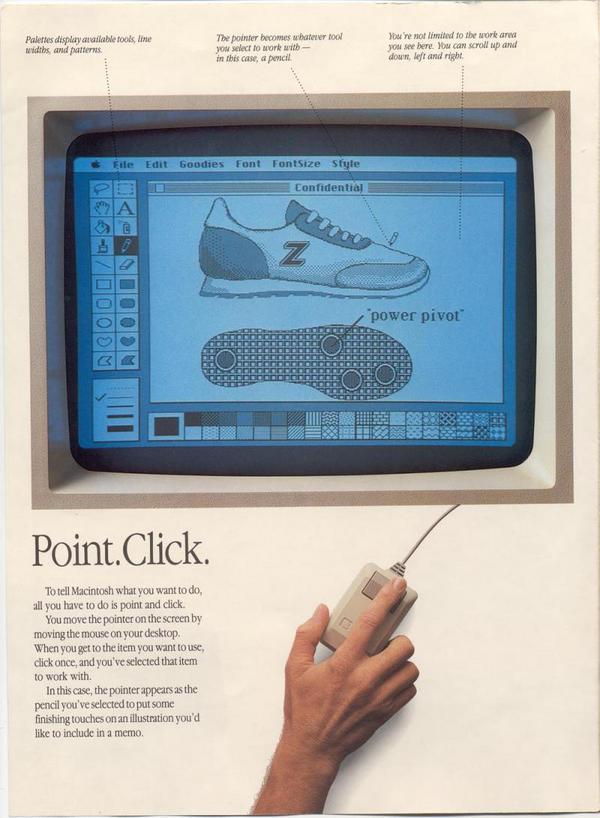
MacPaint in the Cloud
If you were around for the debut of the Macintosh in the 1980s, you might have a...