




Rorohiko, well known for releasing free plug-ins, has done it again. The new freebie is called Lightning Brain ImageHorn. If you find yourself re-applying ‘Fit Content To Frame’ each time you resize an image frame, LB ImageHorn is for you: It allows you to make the image frame fitting options dynamic. (The “horn” in the name refers to a shoehorn.)
LB ImageHorn will automatically re-apply the selected fitting option to the frame each time you resize it, instead of forcing you to re-apply the fitting option after you’ve resized the image frame.
The plug-in works with Adobe InDesign CS/CS2/CS3/CS4.
How It Works
After you have installed the plug-ins, select any frame that contains a placed image. Then right-click or control-click the selection to bring up the context menu. Alternatively, you can also use the API – ImageHorn… menu from the menu bar. In either of these menus there should be a menu item called ImageHorn.
This menu item should contain the following options:
* No Dynamic Fitting
* Dynamic Fit
* Dynamic Fit Proportionally
* Dynamic Fill Proportionally
* Dynamic Center
You can assign keyboard shortcuts to these menu items via Edit > Keyboard Shortcuts.
LB ImageHorn depends on the free APID ToolAssistant plug-in.
This article was last modified on December 17, 2022
This article was first published on January 15, 2009
Commenting is easier and faster when you're logged in!

Recommended for you
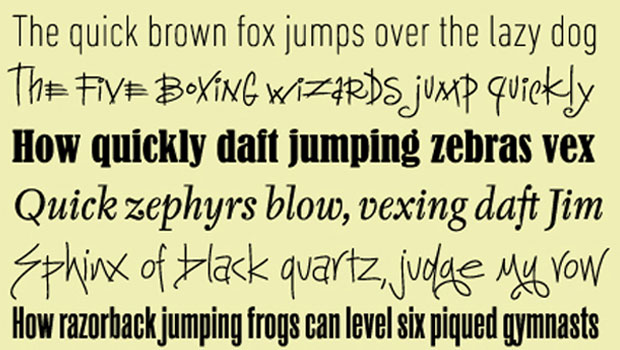
TypeTalk: The Quick Brown Fox
TypeTalk is a regular blog on typography. Post your questions and comments by cl...

Before&After Design Tip: A Logotype That Looks Like What It Says!
Look how Coca-Cola created this simple typographic device—four letters, each ski...

Put Yourself in Your Slides with PowerPoint’s Cameo Feature
Learn how to use PowerPoint's latest killer feature, which will put you directly...