




Hey folks, it’s time for another InDesign mystery that you can solve for a chance to win an awesome prize!
Here’s the scenario:
You have a two-page PDF brochure exported from an InDesign document.
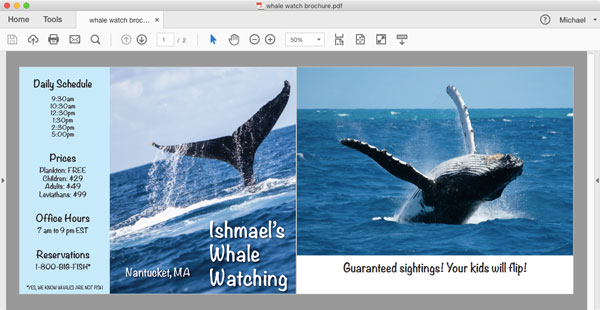
You’re asked to place the PDF pages of the brochure into another InDesign document.

When you do so, you can see that the second page is shorter than the first page. Notice how the second page does not fill the vertical space in its frame below.

Click the image below for a closer look at the different heights of the two PDF pages.

Both pages are placed in identically-sized frames and have the exact same scaling.
Both were created from the same InDesign document where the page sizes were identical. And they were exported from InDesign using the same PDF settings.
Why is one placed PDF page shorter than the other?
This month’s prize is full access for 3 months to the video archives for PePCon 2016 or the CreativePro Conference (up to $495 value!).
The winner will be chosen at random from all the correct answers I receive before March 15, 2017
Enter now by emailing your solution to mike at indesignsecrets.com
Note: Comments are closed on this post so no one gives away the answer. Good luck!
This article was last modified on July 25, 2019
This article was first published on March 8, 2017
Commenting is easier and faster when you're logged in!

Recommended for you
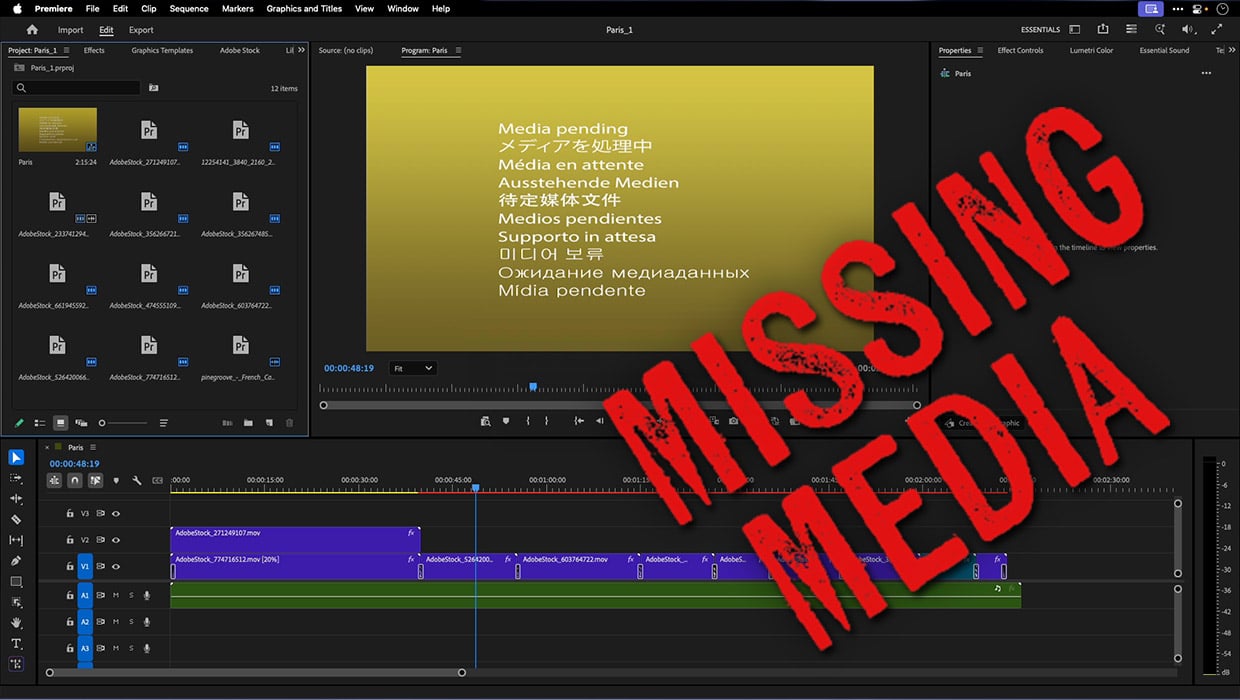
How to Fix Missing Content Problems in Premiere
Learn what the media warnings in Premiere mean and how to address them

Why Your Print Workflow May Be Stuck in the Past
A Conversation with Adobe’s Mark Lewiecki on PDF best practices for print

Creating PDF Presentations in InDesign
Mike Rankin shows how to create a great presentation file with InDesign and deli...