



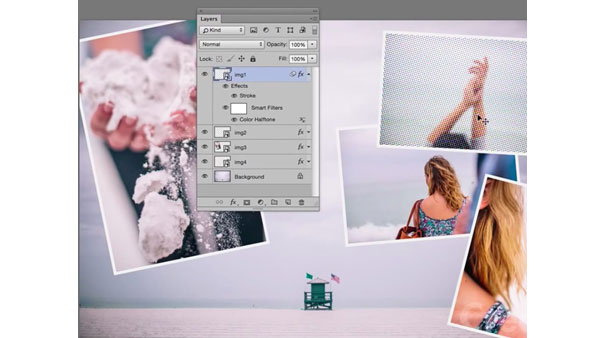
In the previous installment of our video series on mastering Smart Objects in Photoshop, we saw how to create and edit a perfect animated Star Wars crawl effect.
This time, instead of focusing on one specific effect, we’ll look at how you can use Smart Objects along with layers and filters to create any kind of nondestructive effect you wish. Once you see how powerful, flexible, and simple this technique is, you may never use filters the old fashioned way again.
This article was last modified on January 28, 2021
This article was first published on February 25, 2015
Commenting is easier and faster when you're logged in!

Recommended for you

Mastering Metadata
Learn how to wield the descriptive data embedded in your files to work more effi...

Photoshop 2020 New Features
Adobe has released Photoshop CC 2020, the latest update to its flagship image-ed...

Keep a Log of All Edits in Photoshop
Make your Photoshop files remember everything you did in them, so you can find t...