




In this “Three Minutes Max” video, Jesús Ramirez reveals how to keep an active log of all the edits made in a Photoshop file. With more detail than the basic History panel, this preference keeps an ongoing record of not only actions you’ve taken, but also all values entered.
Subscribe to the CreativePro YouTube channel for more helpful design tips!
This article was last modified on August 29, 2025
This article was first published on November 21, 2020
Commenting is easier and faster when you're logged in!

Recommended for you

Work Week Projects: Get Get a Grip on Photoshop’s AI Tools
Five quick exercises to do while you're at work to get comfortable using the gen...
Free Webinar: Photoshop Power Hour
Learn the latest Photoshop techniques and pro-level tips to help you work faster...
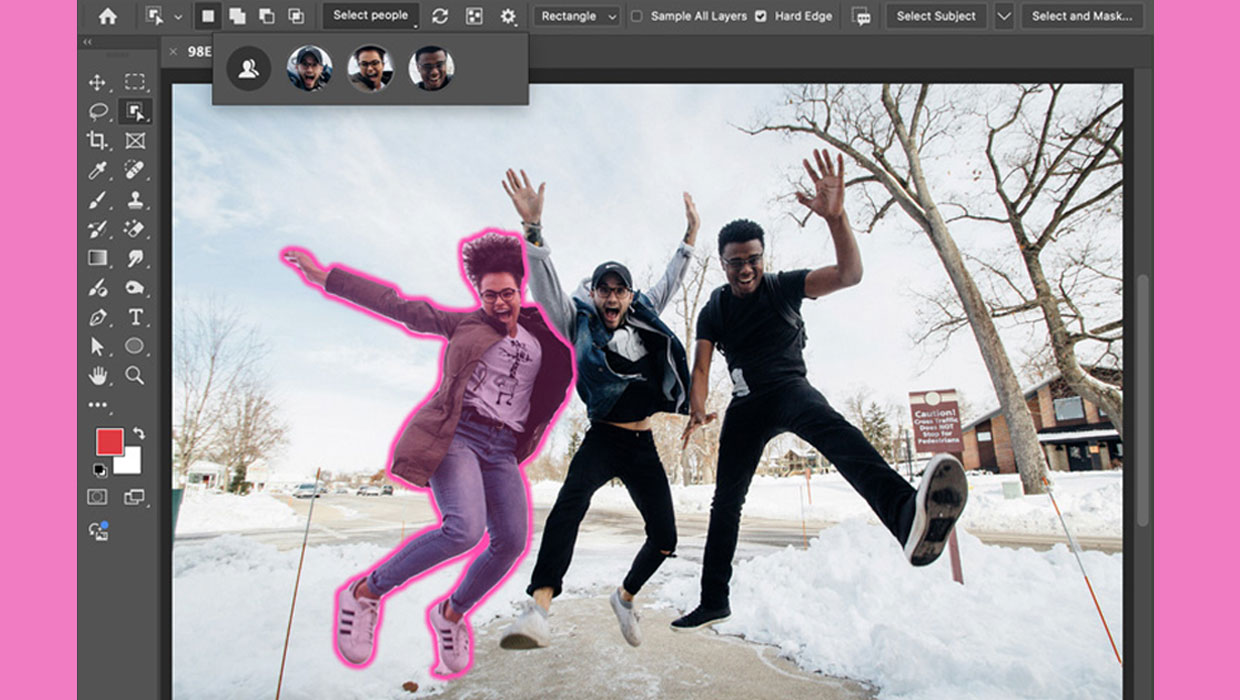
New Features in Photoshop 2025
New features in Photoshop 2025 including powerful new ways to select, mask, and...