




Simplicity has had its champions and disciples from Thoreau to Jony Ive, but finding a seemingly simple solution to a complex problem often requires a ton of hard work, knowledge, and skill. Case in point: designing icons. How do you distill the essence of any concept down to a simple set of shapes and colors that are visually pleasing and reproduce well in any needed context? You start by enlisting the help of an expert like Von Glitschka, and his Lynda.com course, Drawing Vector Graphics: Iconography.

Here’s the official course description:
Great icons are simple, evocative, and communicative. That said, the workflow behind these simple designs is often more involved than the final product would suggest. In this course, join Von Glitschka as he walks through the process of creating and styling a set of icon motifs. Von dives into the fundamentals of creating icon ideas, explaining how basic drawing can help to facilitate the digital design process. He also shines a spotlight on aesthetic rules and methods that can help you craft well-designed icons, as well as how to export vector and raster icons. Plus, Von provides you with some perspective by sharing the work, methods, and sketches of several other designers.
Topics include:
- Developing icon ideas
- Simplifying complex shapes
- Drawing visual metaphors
- Establishing visual continuity
- Creating flat icons
- Creating long shadow icons
- Detailing icons
- Creating pixel perfect icons
- Reviewing how icon art is used in a variety of design contexts
In the free movie below, Von walks you through the process of creating iconic ideas. Check it out!
Drawing Vector Graphics: Iconography
Creating iconic ideas
For Lynda.com members, if you are currently signed in to your account, you can also check out these videos from the series.
Not a Lynda.com member?
Get 10 days of free unlimited access to Lynda.com.
Simplifying complex shapes
Drawing visual metaphors
Iconic exploration
This article was last modified on March 30, 2023
This article was first published on May 12, 2017
Commenting is easier and faster when you're logged in!

Recommended for you

Do Graphic Designers Need to Learn Coding to Be Competitive?
Many graphic designers find themselves feeling pressured in a more competitive m...
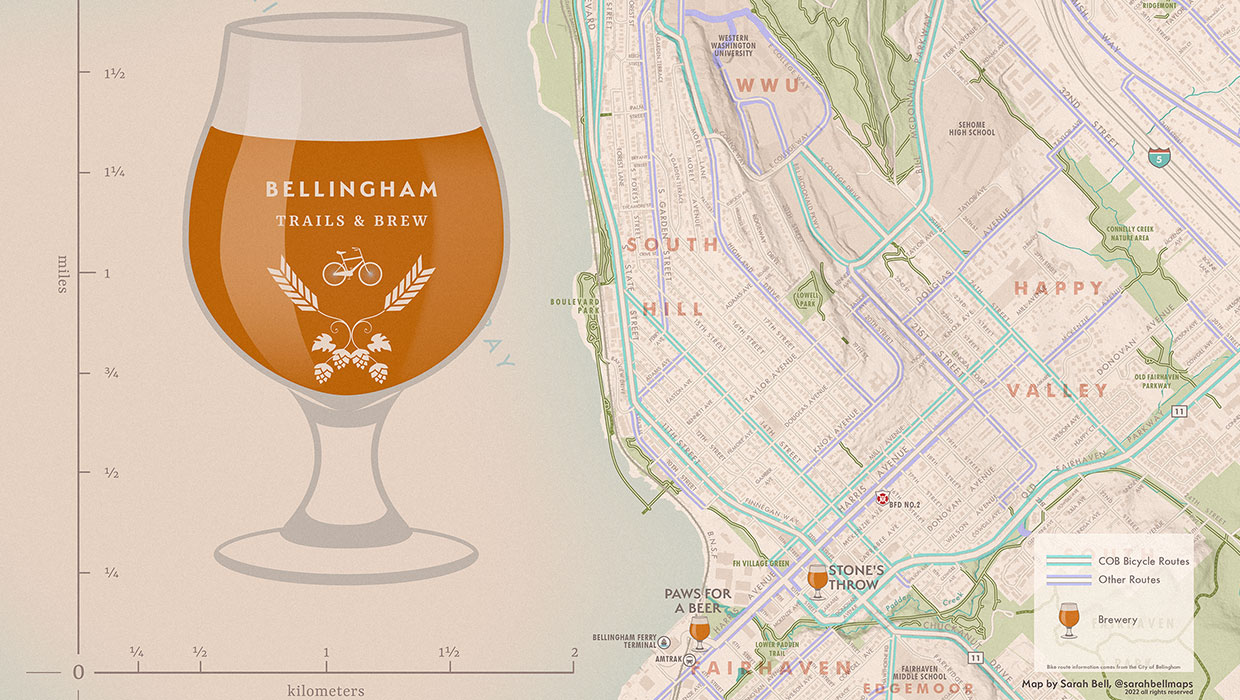
Designing with Maps
Deploy the science (and art) of mapmaking in your designs with the help of ArcGI...

InQuestion: Making Colors Match Between Photoshop and InDesign
Q. My company is printing promotional brochures for an upcoming trade show. Beca...