




We are all creatures of habit and develop our favorite ways of getting work done in our creative apps. And when a new version of an app is released, it can take a while for the idea to sink in that there might be new and better ways of doing things. If only there were a conveninent place to go inside an app to find out about all its new features and get convenient access to them. Well that’s exactly the idea behind the Photoshop CC Features panel, which you can download from Adobe Exchange.


How to Get the Photoshop CC Features Panel
Inside Photoshop CC open the Adobe Exchange Panel by choosing Window > Extensions > Adobe Exchange. Use the Search field to locate and download the Features panel. If you don’t have the latest version of the Adobe Exchange panel, you’ll need to update it first. If you have trouble, you can also get the panel by going directly to the Adobe Exchange website.
This article was last modified on July 20, 2021
This article was first published on October 15, 2013
Commenting is easier and faster when you're logged in!

Recommended for you

Frequency Separation Retouching in Photoshop
“Dammit, Jim, I’m a designer, not a rocket scientist!” I hear you cry. Well, bef...
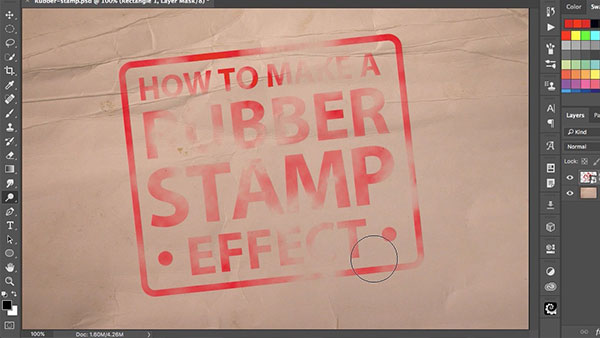
How to Make a Rubber Stamp Effect in Photoshop
You can turn just about any artwork, logo, or text into a rubber stamp by follow...

How Photoshop Uses Bungee Cords to Define Color
The following excerpt is adapted from Speaking Photoshop CC by David Bate. Repri...