




Press Release
Beanheads Consulting Inc., a leader in photo applications for mobile devices, announced the release of Sort Shots – iPad Edition 2.4, the first and only iPad app that allows users to arrange tag words associated with their photographs for easy and dynamic photo tagging and searching.
Sort Shots – iPad Edition imports the keywords assigned to photographs via iTunes Folders or FTP using popular photographic software including Adobe Lightroom, Bridge and Elements, Apple Aperture and iPhoto, Nik Software Capture NX and Microsoft Expression Media and Photo Gallery. Users can move the existing or newly-created tags anywhere within the three level tag hierarchy. Arranging tags into a logical order allows users to quickly and easily locate and assign tags to one or more photographs.
Additionally, version 2.4 now incorporates a variety of new features including:
* Wireless printing
* Additional gestures including two and three-finger tap and rotation
* View file names and/or star ratings below thumbnail images (at the users’ option)
* Display a photograph’s metadata while in full screen view
* Improved scrolling during custom sequencing of photographs
“Flexible and custom options allow Sort Shots users to choose the workflow that best suits their needs. Logically arranging tag words in a hierarchy relevant to the user provide an efficient and intuitive process.” stated Christa Taylor, Founder & CEO of Beanheads Consulting. “Incorporating gestures and other features such as Air Print makes Sort Shots not only a useful tool but also provides the ‘wow’ factor when displaying photographs on the iPad.
Device Requirements:
* Compatible with iPad
* Requires iOS 3.2 or later
* 4.4 MB
Pricing and Availability:
Sort Shots – iPad Edition 2.4 is $5.99 USD (or equivalent amount in other currencies) and available worldwide exclusively through the App Store in the Photography category.
This article was last modified on January 18, 2023
This article was first published on April 5, 2011
Commenting is easier and faster when you're logged in!

Recommended for you

Use Bridge to Find and View All Linked Assets in an InDesign File
Quickly find and collect every linked asset in your InDesign project using this...
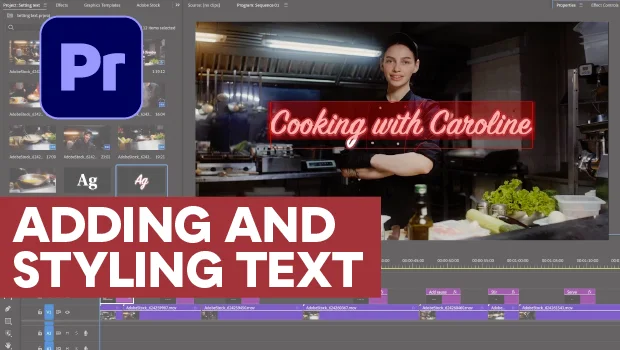
Adding and Styling Text in Premiere
Myra Ferguson covers text formatting and safe margins in Premiere.
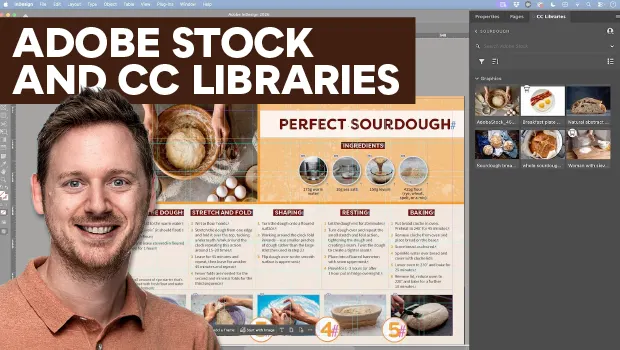
Find Adobe Stock Assets Without Leaving InDesign
Find Adobe Stock assets without ever leaving InDesign!