


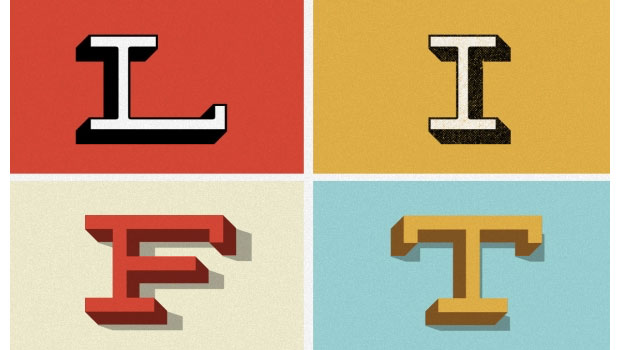
I know that “flat design” is enjoying its 15 minutes of fame right now, but sometimes you just gotta make something pop by adding 3D effects. Especially if you’re going for a retro text look. Of course, Photoshop has some very powerful 3D tools, but getting the hang of them takes a serious amount of time and effort. If you just want a way to make something that looks good fast, check out the RetroLift 3D PSD Actions by Retro Supply Co. For $12 you can get a set of 5 actions that work with Photoshop CS4 and above to create super 3D text effects with any font.
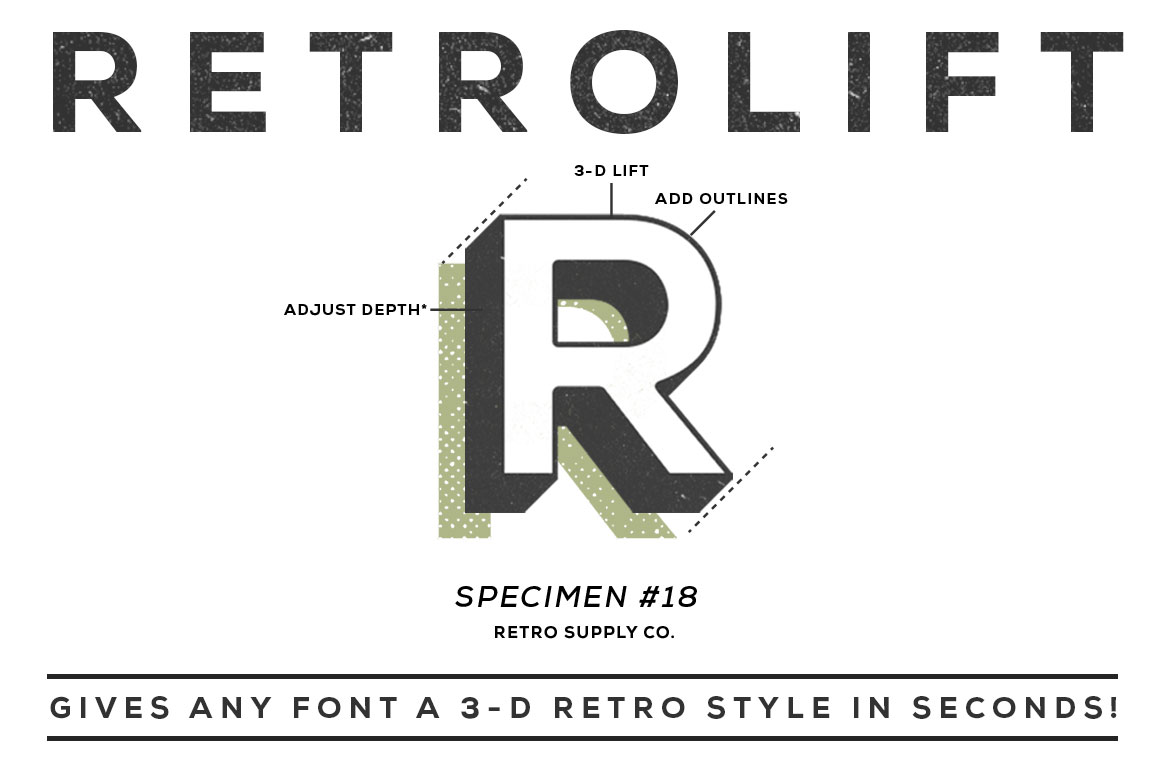


The actions also come with a bonus video tutorial showing how to create a vintage film title effect, including the 3D lettering.

And if Illustrator is more your thing than Photoshop, check out the RetroType Illustrator Effects.

This article was last modified on July 27, 2021
This article was first published on November 4, 2013
Commenting is easier and faster when you're logged in!

Recommended for you
Using Photoshop’s Generative Fill to Remove Objects
Learn how to simply remove items from an image in Photoshop, without extra conte...
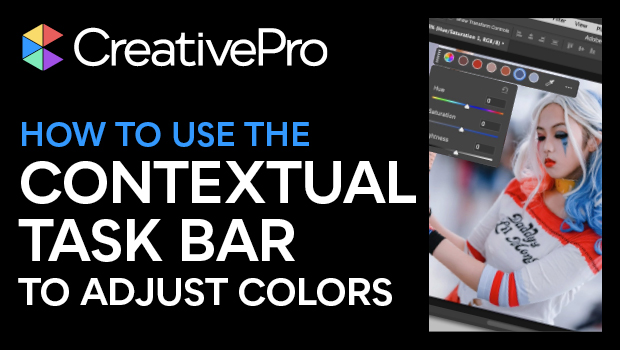
How to Adjust Colors Using Photoshop’s Contextual Task Bar
Learn how to use the Photoshop Adjust Colors feature to make quick, non-destruct...

How to Adjust Colors in Photoshop Using Hue and Saturation
Learn how to manipulate an image’s colors using Photoshop’s Hue and Saturation s...