



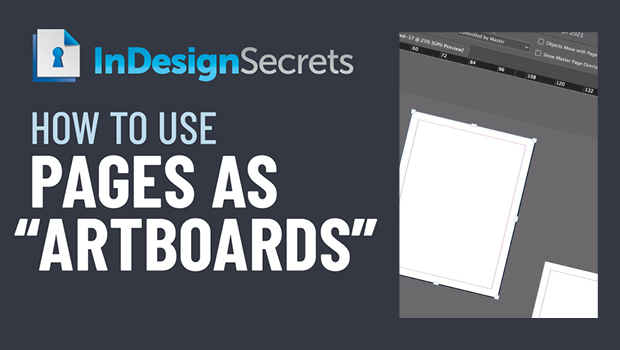
In this InDesign video, David Blatner shows how to re-arrange pages on the pasteboard individually, so they act more like the artboards found in Illustrator. Using the Page tool, he re-sizes them and even uses the align tool to keep them neat and tidy.
This comes from David’s session with Anne-Marie Concepción and Mike Rankin, “Favorite Tips from InDesignSecrets” at CreativePro Week 2021.
This article was last modified on August 29, 2025
This article was first published on February 24, 2022
Commenting is easier and faster when you're logged in!

Recommended for you
Stop InDesign from Shuffling Pages
Stop InDesign from shuffling your pages with Laurie Ruhlin.

Go to the Parent Spread Applied to the Active Spread
To access the parent spread applied to the active page, you have to open the Pag...

How to Start an InDesign Document on a Left-hand Page
Start your InDesign document on a left-hand page using one of Khara’s easy tips.