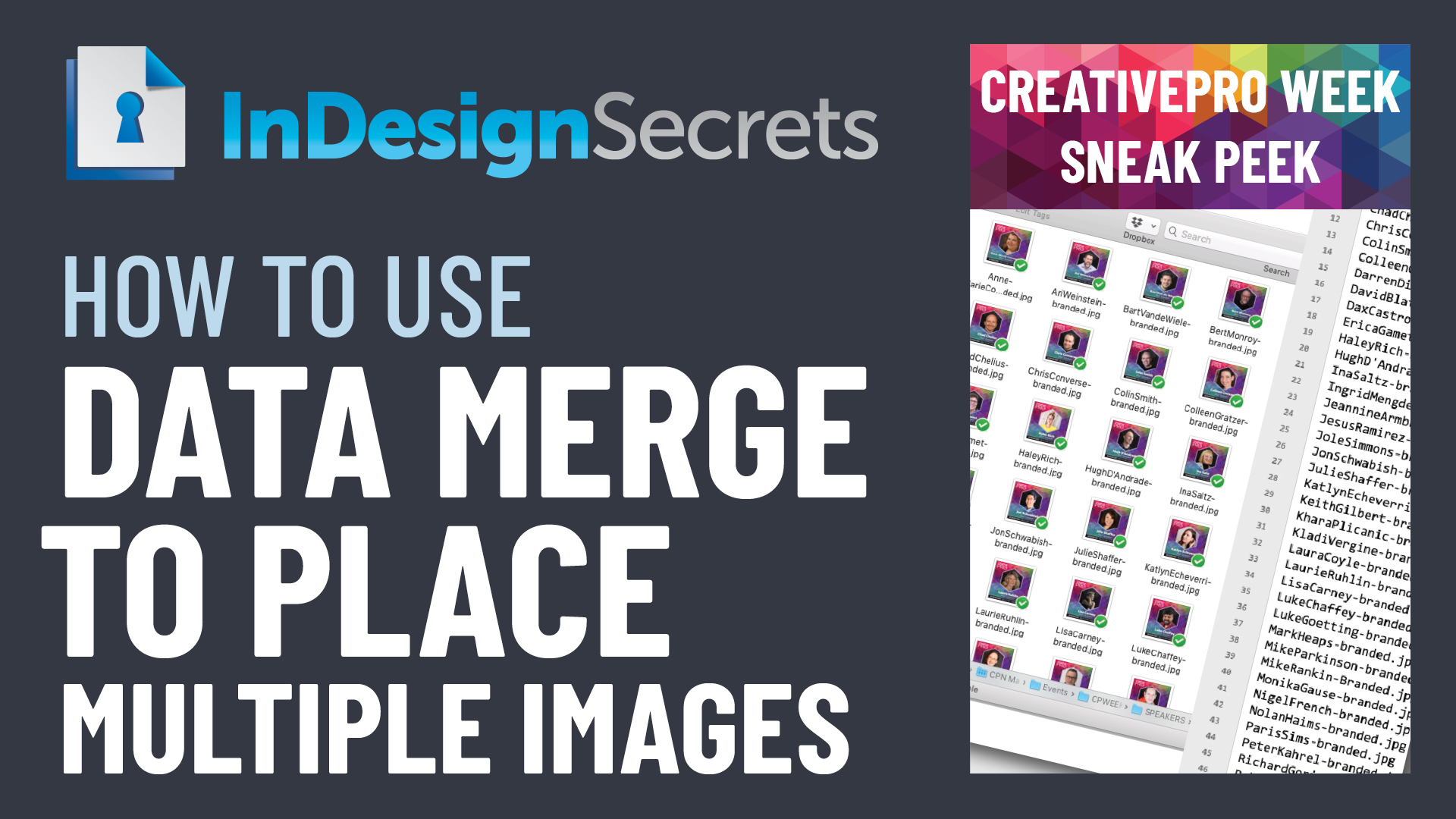
In this InDesign how-to video, David Blatner shows how easy it is to place multiple images in a document and automate the layout process. He explains how you can use a text file and and a template to speed the automatic data merge along.
Check out new tutorials every other Tuesday on our InDesign Secrets YouTube channel, then join the discussion on our Facebook group!
This article was last modified on August 29, 2025
This article was first published on May 10, 2021
Commenting is easier and faster when you're logged in!

Recommended for you
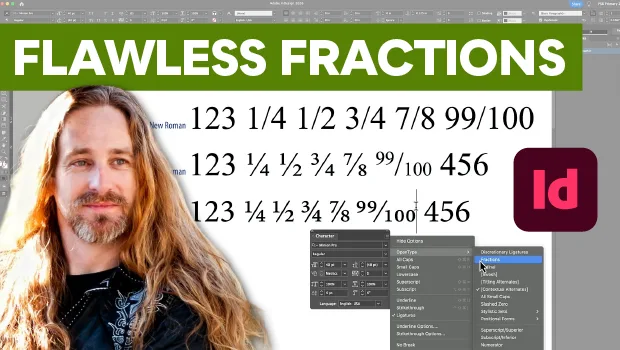
Create Flawless Fractions with OpenType
Choose your font carefully if you need flawless fractions!

Making Tables Accessible
Learn how to correctly tag complex PDF table headers for screen readers with Dax...