



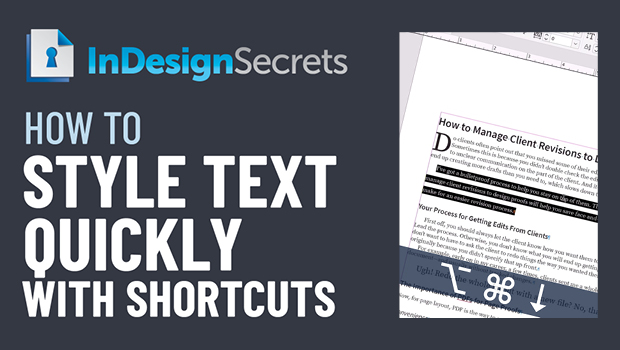
In this InDesign how-to video, Colleen Gratzer shows a couple of quick keyboard shortcuts to adjust the type in your documents. Changing up leading, tracking, and font size with a shortcut allows you to keep your hands on the keys and not interrupt the flow of entering text. Colleen also explains how to set the adjustment amount from within Preferences.
This comes from Colleen’s “Time-Saving InDesign Practices” session at CreativePro Week 2021.
This article was last modified on August 29, 2025
This article was first published on March 27, 2022
Commenting is easier and faster when you're logged in!

Recommended for you

Moving Your Cursor Into an InDesign Table with a Keyboard Shortcut
This normally isn't possible. But we're not normal InDesign users here.

10 Terrific Time Savers for InDesign
Life is busy. Work is hard. Use these tips to get more done faster.
Essential Illustrator Shortcuts
Save time with Kat Kremser's cheat sheet of Illustrator shortcuts!