



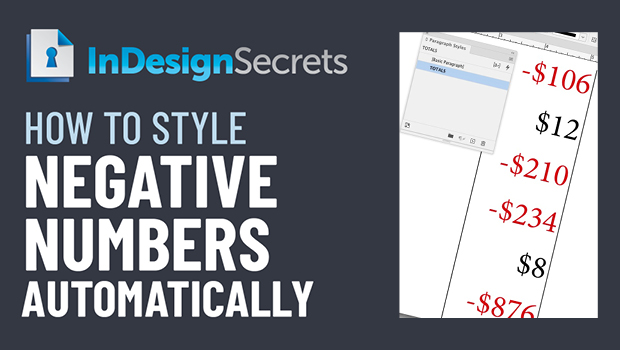
In this InDesign how-to video, Erica Gamet uses the power of GREP to automatically style any negative dollar amounts in red. By finding a consistent pattern in the text, this automation can be built into a paragraph style so the style change will happen on-the-fly.
This comes from Erica’s upcoming session at CreativePro Week 2022 in Washington, D.C. May 9-13.
This article was last modified on August 29, 2025
This article was first published on April 22, 2022
Commenting is easier and faster when you're logged in!

Recommended for you

GREP of the Month: Keep Out
Try this obscure but powerful alternative when a traditional GREP lookbehind exp...

Speed Up Your GREP Styles
Fact: Searches and replacements done from InDesign’s GREP tab in the...

Tip of the Week: Making White Space Characters Easier to Work With in GREP
How to make whitespace characters visible in GREP expressions in InDesign.