



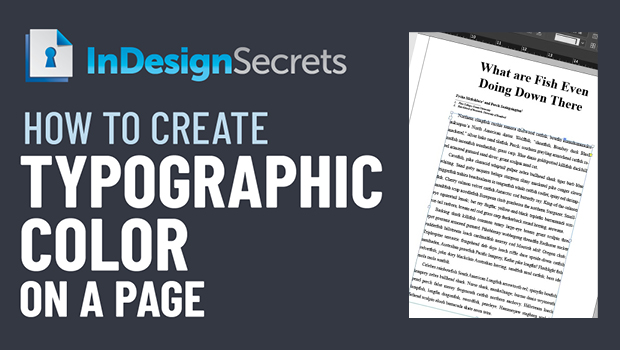
In this InDesign how-to video, Amy Papaelias introduces us to the term “Typographic Color.” This isn’t the color of your text, but rather the overall hue of a page filled with type. By adjusting margins, columns, and indents, she shows how to create a more consistent and pleasing look to the page.
This comes from Amy’s “Put Text in Its Place” session at The InDesign + Type Summit 2021.
This article was last modified on August 29, 2025
This article was first published on September 24, 2021
Commenting is easier and faster when you're logged in!

Recommended for you

Creating Quick Mockups in Illustrator
How to use the Mockup panel in Illustrator to preview what your art will look li...
Scripts from the Crypts
Mike Rankin digs deep into the InDesignSecrets archives to find 20 scripts that...

Why You Should Use Generative Expand in Photoshop, Not InDesign
Using Generative Expand in its Beta form may lead to problems with file manageme...