



One of the nifty new features in the 2014 Release of InDesign CC is the improved handling of scaled effects. Now when you scale an object with transparency effects applied to it all (including drop shadows) the effects will also scale as expected.
And to mark this occasion, I’ve added four new movies to the InDesign FX series at lynda.com, including a free movie on how to make an awesome blue ribbon.

For lynda.com members there are other new InDesign FX movies on how to make a mechanical display board like a you’d see in a train station or airport…
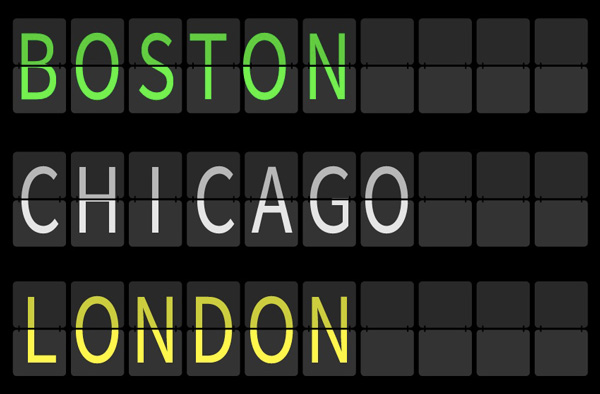
plus how to make objects look like they’ve been put through a paper shredder, and a super simple technique for making objects look like they’re sitting on a shelf.
Yeah, that’s right…shelfies.
So check out InDesign FX at lynda.com, now with 108 videos on awesome effects done entirely with InDesign.
This article was last modified on March 5, 2025
This article was first published on July 10, 2014
Commenting is easier and faster when you're logged in!

Recommended for you

InDesign How-to Video: How to Distribute Tabs Evenly
David Blatner shows the quick way to distribute and space out tab stops evenly i...
Transforming Type
You can make some nifty type effects with InDesign alone, but for unlimited crea...
InDesign How-to Video: Using Power Zoom
In this week’s InDesignSecrets video, Mike Rankin shows us how to use InDesign’s...