



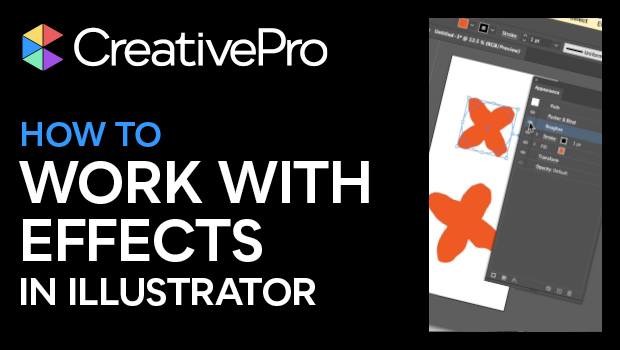
In this Illustrator how-to video, Khara Plicanic shows how to work with effects in Illustrator. She demos adding an effect and making adjustments. Khara then layers multiple effects in the Appearance panel and then expands the item’s appearance.
Subscribe to the CreativePro YouTube channel for more helpful design tips!
This article was last modified on August 29, 2025
This article was first published on May 23, 2025
Commenting is easier and faster when you're logged in!

Recommended for you

CreativePro Video: Sizing Outlined Text in Illustrator
In this week’s CreativePro video, Von Glitschka shares how to size outlined text...

How to Customize Vector Stock Artwork in Illustrator
Transform pre-made art into a rich illustration that will delight your clients.

Building an Org Chart or Flowchart in InDesign, Part 1
You can make a great-looking flowchart in InDesign if you know what features to...