



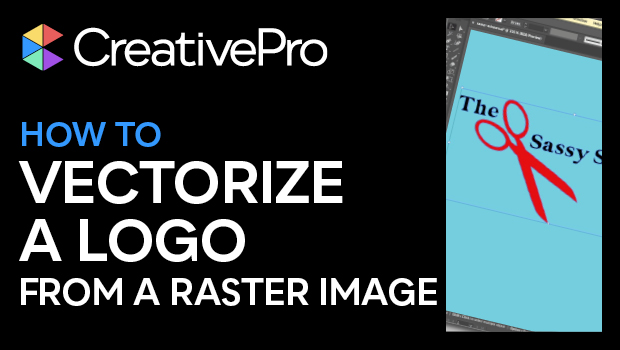
In this Illustrator how-to video, Khara Plicanic shows how easy it is to take a raster image—say a JPEG of a logo—and turn it into vector artwork. Using the Image Trace function and experimenting with presets and adjustments, she is able to trace the artwork, then expand it, and even knockout any background color from the original image.
Subscribe to the CreativePro YouTube channel for more helpful design tips!
This article was last modified on August 29, 2025
This article was first published on February 11, 2025
Commenting is easier and faster when you're logged in!

Recommended for you

CreativePro Conference Speaker Spotlight: Sharon Steuer, the Zen Artist
Welcome to our new series of posts called Speaker Spotlight, designed to highlig...

How to Choose a Different Artboard in an AI File
Need to switch from one artboard to another in the same AI file? This simple tri...

InDesign Basics: Working With Bleeds in InDesign
Bleed is printing that extends beyond the edge of where the paper will be trimme...