



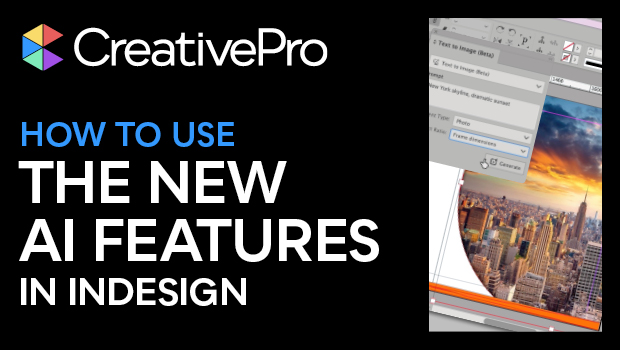
In this Design + AI Summit sneak peek, Angelo Montilla shows off the latest AI features introduced into InDesign. He first demos how to create an image using text-to-image prompts to fill a custom graphics frame with a photographic image. Angelo then extends another image to fit his design using InDesign’s Generative Expand.
This sneak peek video is a preview of Angelo’s “Adobe InDesign and AI” session at our upcoming Design + AI Summit. See the agenda and register now!
Subscribe to the CreativePro YouTube channel for more helpful design tips!
This article was last modified on February 20, 2026
This article was first published on October 11, 2024
Commenting is easier and faster when you're logged in!

Recommended for you

Editor’s Picks for The Design + AI Summit 2024
Our Editor in Chief lists his must-see sessions for The Design + AI Summit 2024.

Extend Your Photos Right Inside InDesign
Learn how to extend your photos in InDesign without opening Photoshop!
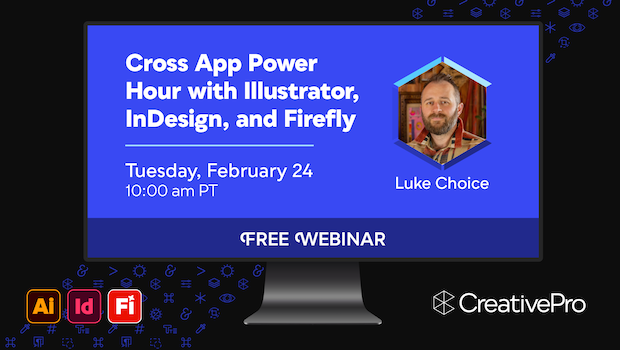
Free Webinar: Cross App Power Hour with Illustrator, InDesign, and Firefly
Explore practical AI-powered tools in Illustrator, InDesign, and Firefly that wi...