



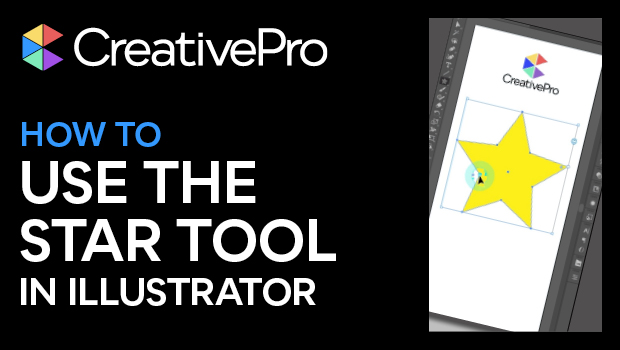
In this Illustrator how-to video, Khara Plicanic shows how to easy it is to make stars and starbursts using the appropriately named Star tool. Once created, you can change the inset points, number of sides, and even control the star’s pointiness.
Subscribe to the CreativePro YouTube channel for more helpful design tips!
This article was last modified on August 29, 2025
This article was first published on May 16, 2025
Commenting is easier and faster when you're logged in!

Recommended for you
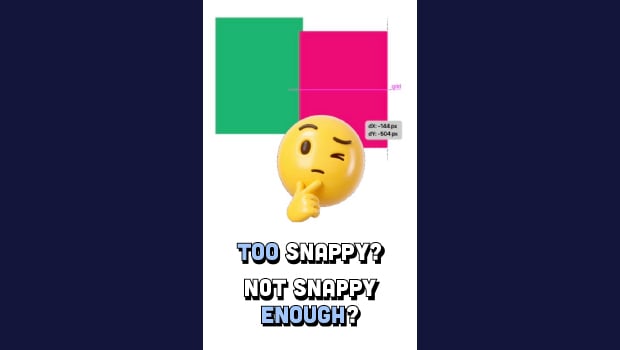
Control Object Snapping in Illustrator
Control the amount of snappiness used when moving objects around the Illustrator...
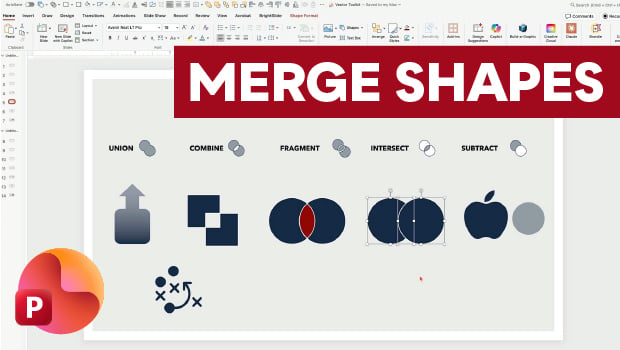
Getting the Most from PowerPoint’s Merge Shapes Feature
Explore Merge Shapes, one of PowerPoint's most powerful tools, with Nolan Haims!
Essential Illustrator Shortcuts
Save time with Kat Kremser's cheat sheet of Illustrator shortcuts!