



In this Illustrator how-to video, Khara Plicanic shows how to easy it is to make stars and starbursts using the appropriately named Star tool. Once created, you can change the inset points, number of sides, and even control the star’s pointiness.
Subscribe to the CreativePro YouTube channel for more helpful design tips!
This article was last modified on August 29, 2025
This article was first published on May 16, 2025
Commenting is easier and faster when you're logged in!

Recommended for you

CreativePro Video: Numbering Across Stories in InDesign
In this week’s CreativePro video, Sandee Cohen demos how to continue a numbered...

How to Create and Work With Guides in Illustrator
Learn how to create simple Illustrator Ruler Guides, how to make almost any path...
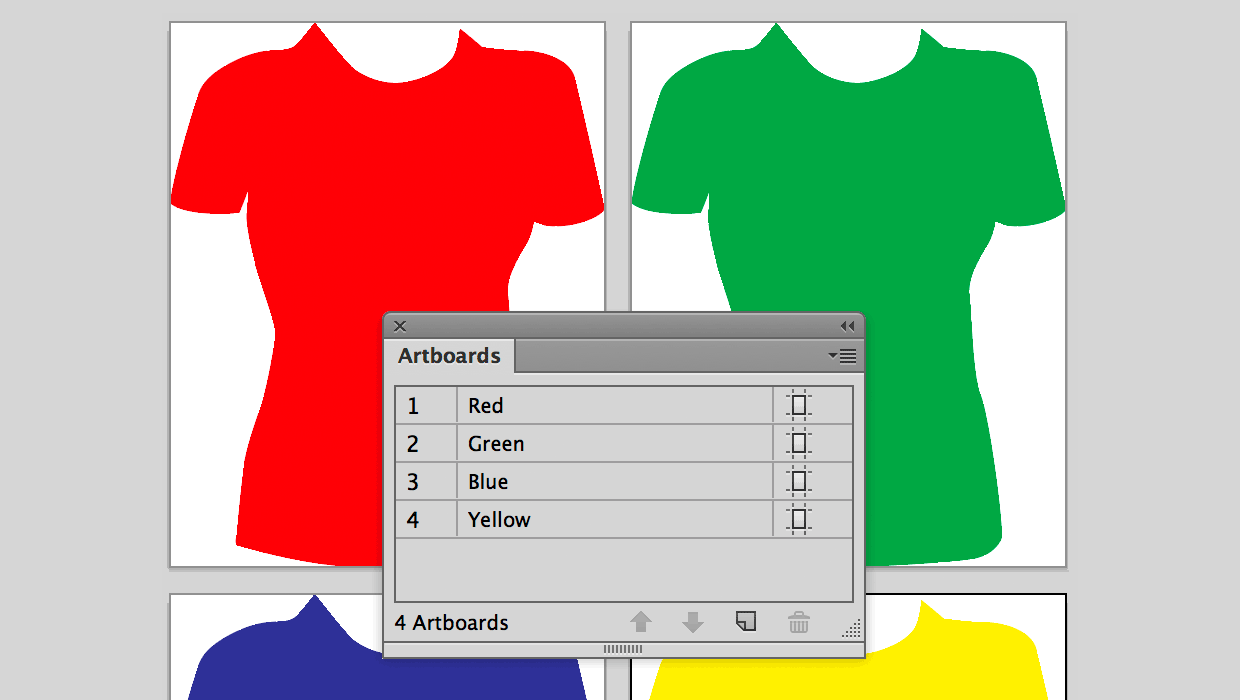
Using Illustrator Artboards to Place Versioned Content in InDesign
A useful alternative to using Illustrator layers and layer overrides in InDesign...