



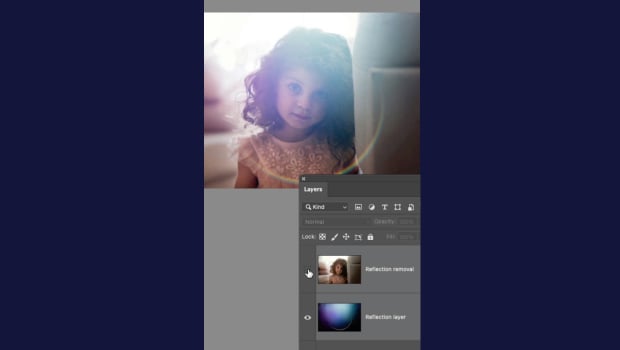
In this short Photoshop video, Khara Plicanic demonstrates how the latest version has a command to instantly remove reflections and lens flare from your images. Photoshop can even isolate them to their own layer!
Subscribe to the CreativePro YouTube channel for more helpful design tips!
This article was last modified on June 23, 2026
This article was first published on June 25, 2026
Commenting is easier and faster when you're logged in!

Recommended for you
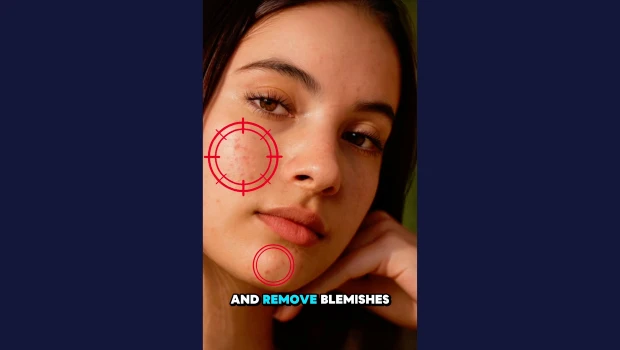
Remove Blemishes in Photoshop With a Click
Khara Plicanic shows us how to remove blemishes from skin in Photoshop with just...

Nashville in Focus: CreativePro Week 2026 Photo Walks
A look at Music City through the lenses of the CreativePro community

Making Tables Accessible
Learn how to correctly tag complex PDF table headers for screen readers with Dax...