



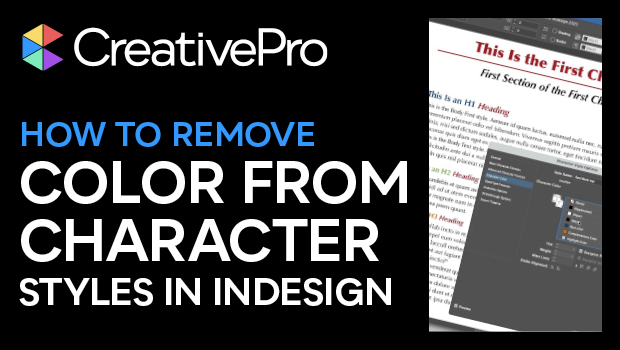
In this InDesign how-to video, Mike Rankin shows the secret trick needed to remove a color from a character style. This is done so that the color information will come from the underlying paragraph style. Mike first demos why choosing the “None” swatch won’t get the intended results, then reveals the trick for stripping the color from the style’s definition.
Subscribe to the CreativePro YouTube channel for more helpful design tips!
This article was last modified on August 29, 2025
This article was first published on June 12, 2025
Commenting is easier and faster when you're logged in!

Recommended for you
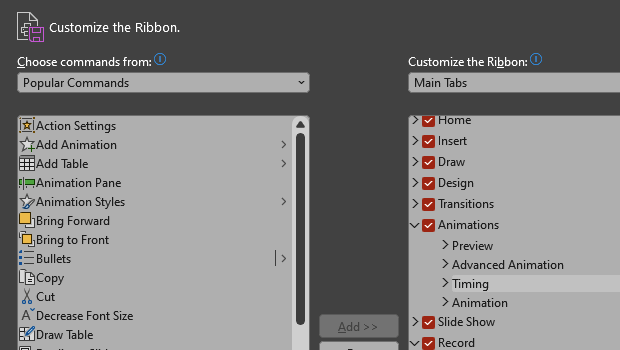
How to Customize the Ribbon in PowerPoint
Make PowerPoint work for you, by customizing the Ribbon, hiding tabs you don’t u...
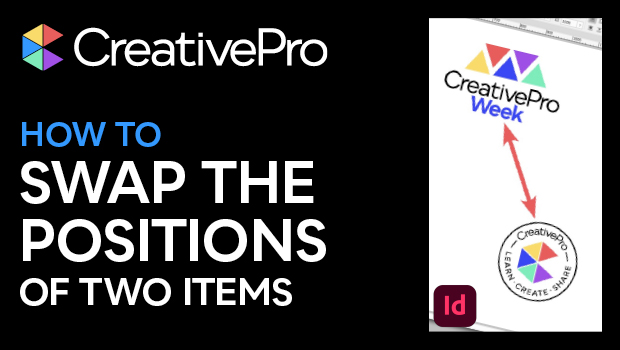
How to Make Two Items Swap Positions in InDesign
Learn how to transpose two objects in InDesign so they swap positions on a sprea...

10 Photoshop Efficiency Tips from CreativePro Week
Use these quick tips to increase your efficiency and enjoyment in Photoshop.