



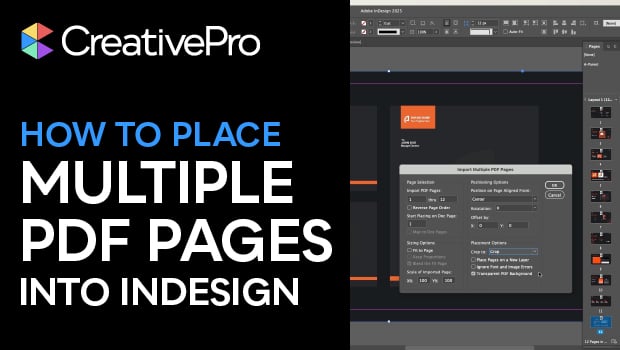
In this InDesign how-to video, Myra Ferguson explains how to place every page of a PDF into separate pages of an InDesign document. Myra reviews how to do this using the Place PDF dialog box, and then shows a quicker way using the native Place Multipage PDF script. Finally, she recommends the Multi Page Importer Script, which offers even more options for importing PDFs.
Get the free Multi Page Importer script here.
For more information about installing scripts in InDesign, see this article.
Subscribe to the CreativePro YouTube channel for more helpful design tips!
This article was last modified on January 27, 2026
This article was first published on January 27, 2026
Commenting is easier and faster when you're logged in!

Recommended for you

CreativePro Magazine Issue 20 Now Available
CreativePro Magazine Issue 20 has articles on designing emails, tips & tricks, r...

InDesign 101: Placing Images
Click? Drag? Move? Crop? There’s a wealth of options for what to do when an imag...

How to Use Scripts to Place Files in an InDesign File
Learn how to take advantage of InDesign scripts to place a multipage PDF, a fold...