




In this quick InDesign video, Khara Plicanic places images into an InDesign file, arranged neatly in a grid. She creates the rows and columns with the arrow keys while placing all the images at once. After creating the grid, Khara adjusts the spaces between the images using the Gap tool.
Subscribe to the CreativePro YouTube channel for more helpful design tips!
This article was last modified on August 29, 2025
This article was first published on July 10, 2025
Commenting is easier and faster when you're logged in!

Recommended for you

InDesign Tip: Starting a New Document on a Specific Page Number
Did you know that InDesign allows you to specify a starting page number when you...
Setting Exact Space Between Objects in InDesign
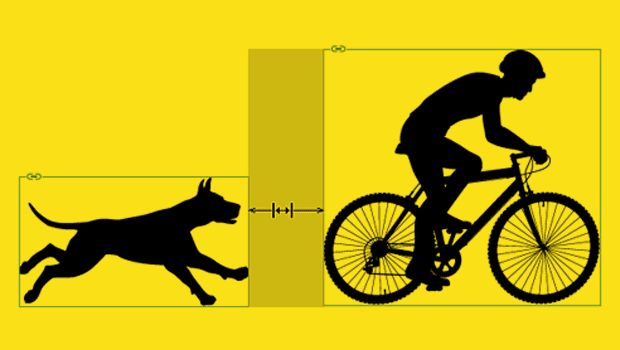
Learn two methods to use when you need a precise amount of space between items i...

InDesign Basics: Making a Photo Grid
Learn how to use two of InDesign's lesser-known tools to create a quick and easy...