



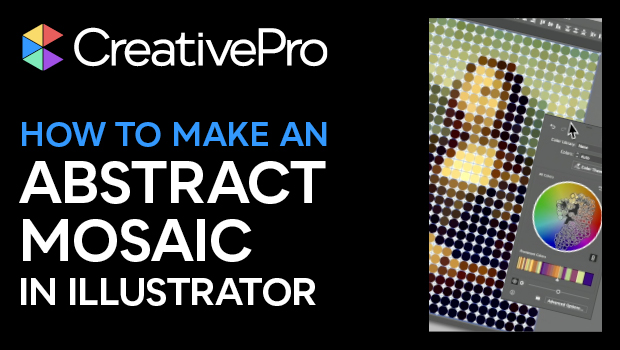
In this Three Minutes Max video, Nigel French shows off a fun Illustrator tip for creating an abstract mosaic from a photo. He uses the Create Object Mosaic to get a grid of squares, then releases and manipulates those squares to circles. Lastly, Nigel opens Recolor Artwork and changes the overall look of his finished mosaic.
Three Minutes Max comes from a fun—yet very competitive—session at our annual CreativePro Week conference. Speakers have three minutes to wow the audience with the tip and win a prize for a lucky conference attendee.
Subscribe to the CreativePro YouTube channel for more helpful design tips!
This article was last modified on August 29, 2025
This article was first published on April 16, 2024
Commenting is easier and faster when you're logged in!

Recommended for you

CreativePro Video: Numbering Across Stories in InDesign
In this week’s CreativePro video, Sandee Cohen demos how to continue a numbered...
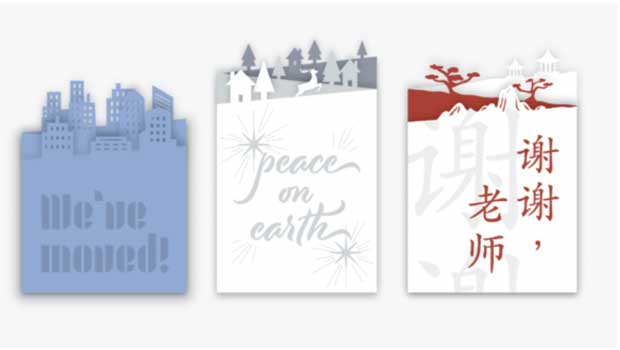
How to Make a Custom-cut Greeting Card
From holidays to birthdays, greeting cards are special gifts when they are perso...

How to Work with Gradients in Illustrator
Learn how to create and manipulate gradients in Illustrator, from simple linear...