



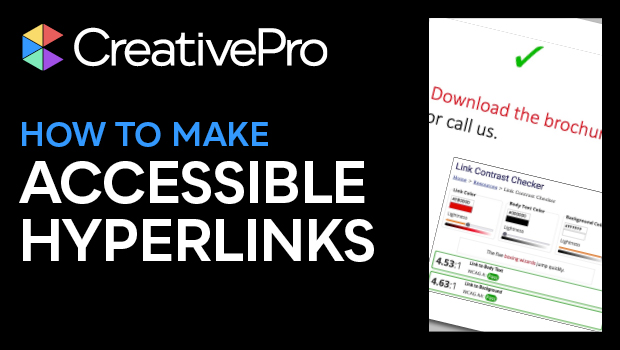
In this accessibility video, Colleen Gratzer shows how to make hyperlinks readable by those using assistive devices. She demonstrates that you aren’t limited to a simple blue underline and that you can really get creative with the design. Whether you’re creating a PDF for download or working with web elements, you can provide accessibility and still retain a fun and distinctive look to your design.
This video is an excerpt from Colleen’s “Designing for Web Accessibility” session at CreativePro’s Design + Accessibility Summit. View the agenda and register for this year’s event at https://creativepro.com/design-accessibility-summit.
Subscribe to the CreativePro YouTube channel for more helpful design tips!
This article was last modified on August 29, 2025
This article was first published on November 13, 2023
Commenting is easier and faster when you're logged in!

Recommended for you

An Unexpected Use for the Hyperlinks Panel
The other day I was working on some chapters for a book I was typesetting, when...
Tip of the Week: Give Your Hyperlinks Panel a Spring Cleaning
This InDesign tip was sent to Tip of the Week email subscribers on April 25, 201...
InQuestion: Removing Unwanted Text Anchors
Jamie McKee identifies a strange hidden character, tells where it came from, and...