



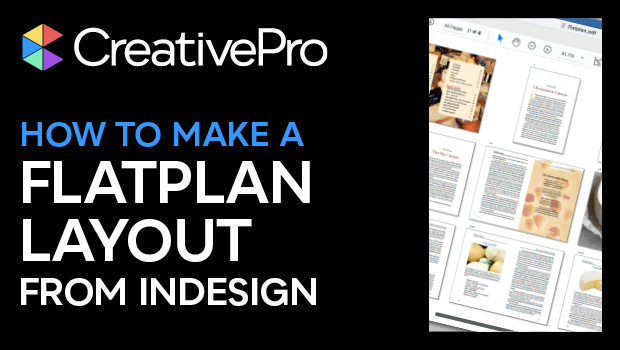
In this InDesign how-to video, Mike Rankin shows how to create a flatplan—or book map—to keep track of pages in a long document, like a magazine. He demos how to print the organized spreads to PostScript, then turn that file into a PDF that can be easily shared and viewed. Lastly, Mike explains how to combine multiple documents into one flatplan using InDesign’s Book feature.
Subscribe to the CreativePro YouTube channel for more helpful design tips!
This article was last modified on August 29, 2025
This article was first published on February 7, 2025
Commenting is easier and faster when you're logged in!

Recommended for you

Two-Way Hyperlinks/Footnotes
To improve a document's accessibility, the script creates two-way hyperlinks bet...
Convert Endnotes to Footnotes (Pre-CC2018)
Convert endnotes (both static and dynamic) to InDesign's (dynamic) footnotes (pr...
Sort and Combine Cross References
Unlike subtopics, which InDesign sorts, cross-references are printed in the orde...