



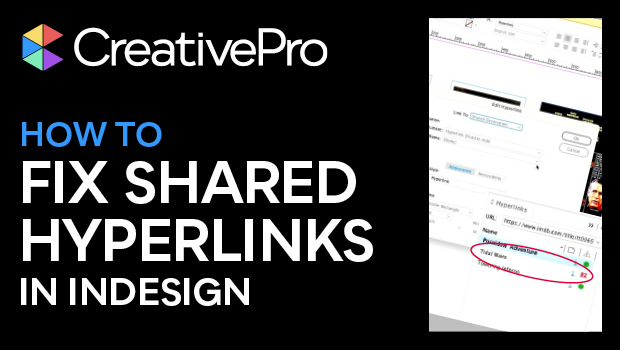
In this InDesign how-to video, Mike Rankin explains what shared destinations are and why you’ll want to use them sparingly. He explains how to strip them out (since they’re applied by default) and how to avoid any issues that might crop up with these links.
Link to Keith Gilbert’s Remove Shared Destinations script: https://gilbertconsulting.com/scripts.
This video is an excerpt from Mike’s “Production Disasters and How to Fix (or Prevent) Them” session at CreativePro Week 2023.
Subscribe to the CreativePro YouTube channel for more helpful design tips!
This article was last modified on August 29, 2025
This article was first published on August 17, 2023
Commenting is easier and faster when you're logged in!

Recommended for you

How to Create Telephone Hyperlinks in InDesign
With a telephone hyperlink, you can make a phone call with a single click. Myra...

Text Anchors
It's not possible in InDesign to get an overview of what a document's text ancho...
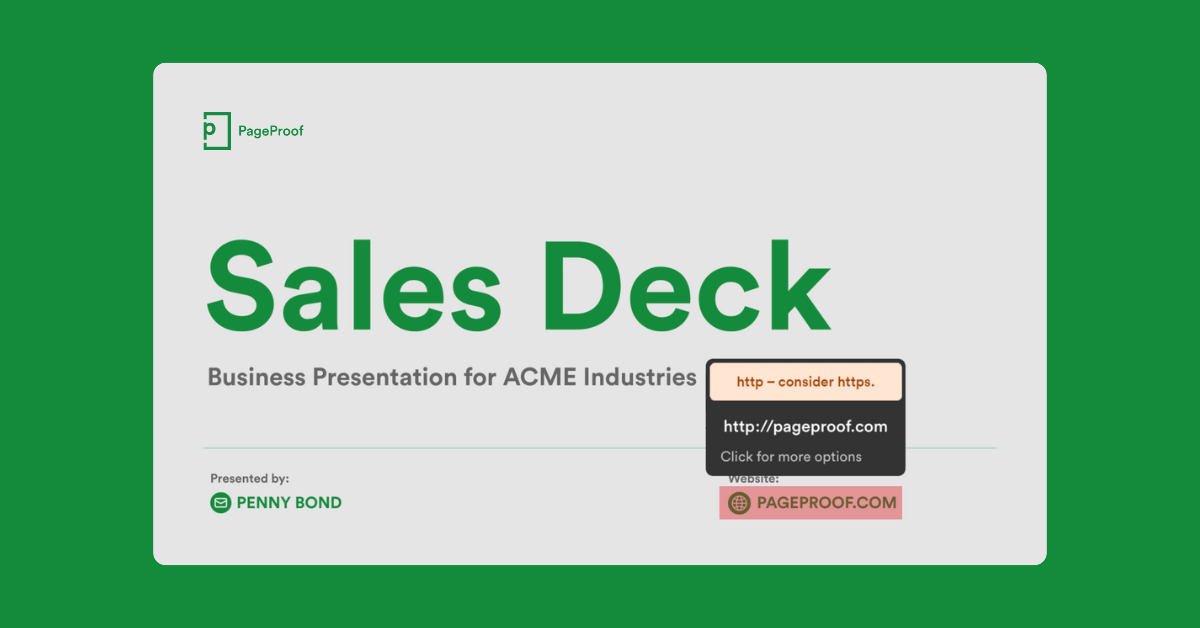
PageProof Introduces Automated Link Checking for Creative Approvals
PageProof’s link scanner surfaces URLs, internal jumps, and email links automati...