




In this InDesign how-to video, Khara Plicanic shows how easy it is to pull colors from an image in InDesign. She walks through right-clicking to have InDesign save color groups as a theme, then selects the sampled color indicators and drags to change them up. Lastly, Khara applies a color mood to the set and saves the theme to a Creative Cloud library for quick re-use.
Subscribe to the CreativePro YouTube channel for more helpful design tips!
This article was last modified on August 29, 2025
This article was first published on May 27, 2025
Commenting is easier and faster when you're logged in!

Recommended for you
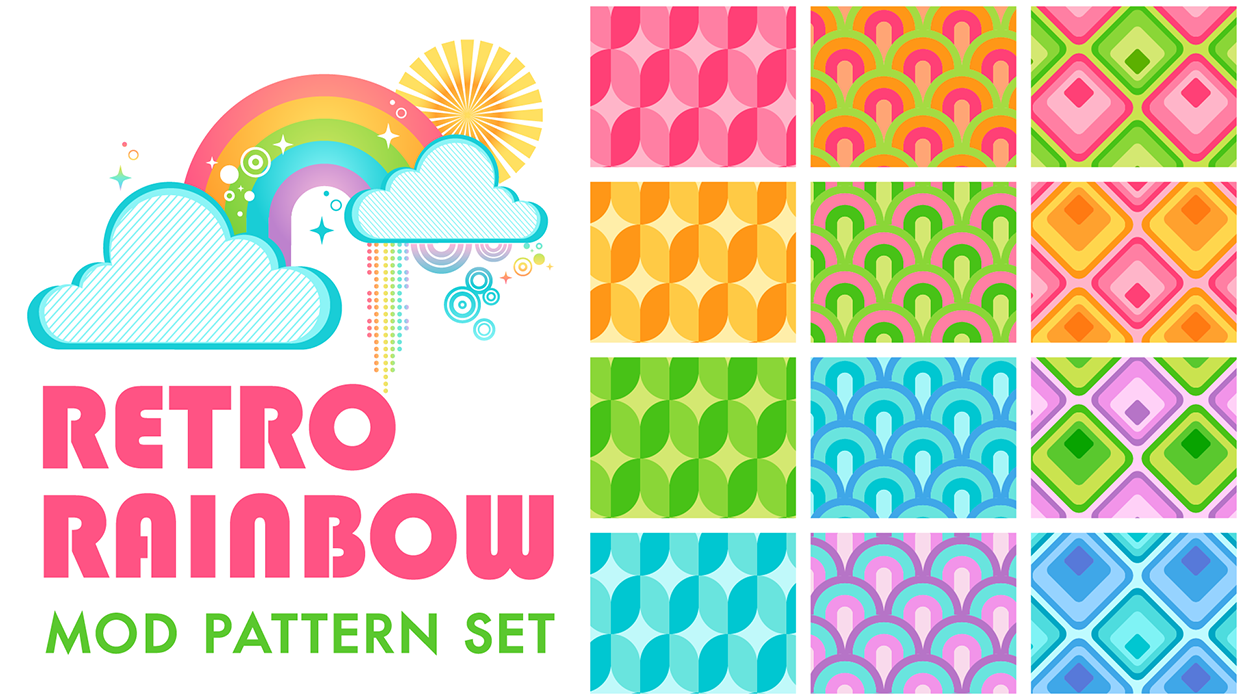
Illustrator Downloadable: Retro Rainbow Pattern Set
Add cheerful colors and shapes to your designs with these Illustrator patterns

Illustrator Downloadable: April Showers Pattern Set
Make anything from a sprinkle to a downpour with these Illustrator patterns
How to Create Swatch Groups from Color Blends in Illustrator
Learn how to create swatch groups from color blends in Illustrator and save them...