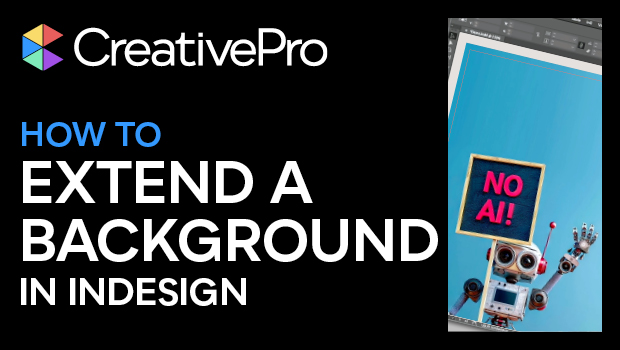
In this “Three Minutes Max” video, Keith Gilbert shows how to quickly extend a background image in InDesign—without an AI boost. He demos expanding an image to fill a page and also how to add a small bleed amount to an image. Keith then gives a tip on extending an image with a color fill, handy when adding text over an image.
Three Minutes Max comes from a fun—yet very competitive—session at our annual CreativePro Week conference. Speakers have three minutes to wow the audience with the tip and win a prize for a lucky conference attendee.
Subscribe to the CreativePro YouTube channel for more helpful design tips!
This article was last modified on August 29, 2025
This article was first published on September 10, 2024
Commenting is easier and faster when you're logged in!

Recommended for you

How to Create a Bleed in Illustrator
Printing your Illustrator document? You need a bleed! Khara Plicinic shows how t...
Duplicate Formatting with These PowerPoint Tools
Use the Format or Animation Painters to apply styles with a single click!